
Migrate Evernote to
OneNote, Markdown & Google Docs.
A focused desktop app for moving notes, attachments, and notebook structure out of Evernote without manual export. Conversion runs on your machine and connects directly to the destination you choose.
One-time payment · Lifetime license · 7-day refund · Windows & macOS
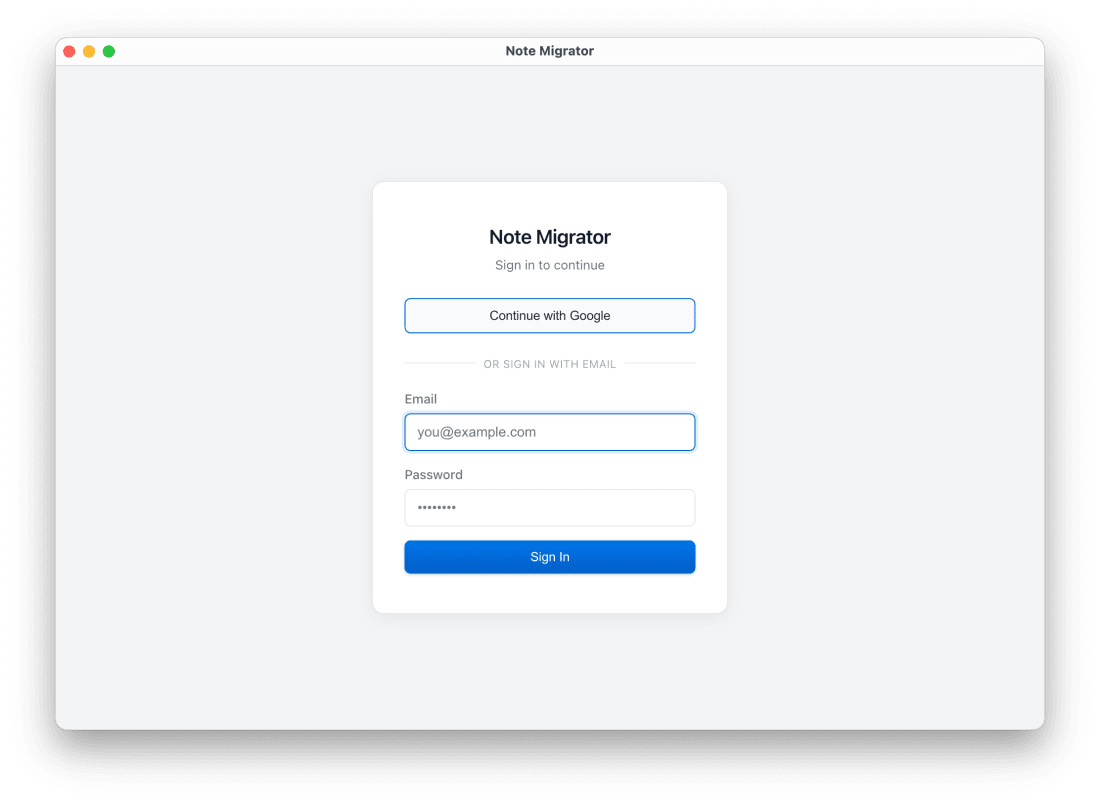
What it works with, and how it handles your data.
Your notes are converted on your computer
NoteMigrator does not upload note content to its own servers while it converts the notes.
Official platform APIs
You sign in through the real Evernote, Microsoft, or Google authorization flow. We never see your password.
Cloud uploads go straight to the destination
If you choose OneNote or Google Docs, the notes are sent from your device to the account you authorize.
Most people already know where they want their notes to end up.
Start there. Each workflow page shows what carries over, where the rough edges are, and what the move actually looks like.
For Microsoft-heavy setups
Evernote to OneNote Migration
Move Evernote notebooks into OneNote without rebuilding pages by hand.
- Attachments
- Notebook structure
- Official OAuth
For local file ownership
Evernote to Markdown Export
Turn Evernote into clean local Markdown files for Obsidian, Logseq, or backups.
- Local files
- Relative attachments
- Tags
For Google Workspace
Evernote to Google Docs Migration
Move editable Evernote notes into Google Docs and Drive without copy-pasting them over.
- Editable docs
- Drive destination
- Direct upload
For universal offline backup
Evernote to PDF Export
Convert Evernote notebooks into local PDF files with structure and formatting preserved.
- Visual layout
- Local archives
- Universal format
A simple, guided desktop migration process.
Download the desktop app
Get NoteMigrator for Windows or macOS. A single purchase gives you a lifetime license with unlimited exports.
Run it on all personal computers you own, backed by a 7-day refund guarantee.
Configure your migration path
Open the app, select Evernote as your source, authorize access, and select your destination target.
Choose which notebooks to move and select your target cloud account or local backup folder.
Run the local migration
Click migrate. The application runs the conversion locally on your machine, preserving formatting and attachments.
The app handles rate limits and network drops automatically in the background, allowing you to pause and resume.