
Move Evernote to Google Docs — no copy-and-paste required.
Every Evernote notebook becomes a matching Google Drive folder, and every note becomes an editable Google Doc. Formatting, images, and attachments are preserved, so your notes stay organized and fully editable—not locked away as static exports.
- Creates Google Docs in the Drive location you choose
- Better fit for collaboration-heavy Google Workspace teams
- Preserves note content and supporting assets more cleanly than manual copy-paste
Why trust NoteMigrator
Your notes stay private
Your notes are converted locally on your computer. NoteMigrator does not upload your note content to its own servers.
Official platform authorization
Sign in securely through Evernote, Microsoft, or Google. We never see your password.
Reliable migration control
Pause, resume, retry failed items, and export migration results. Stay in control from start to finish.
What the migration preserves
- Folder organization
- Notebooks become matching folders in Drive, keeping your structure intact.
Before — Evernote After — Google Docs - Formatting and layout
- Bold, colors, highlights, and font sizes carry over into the Doc.
Before — Evernote After — Google Docs - Images and assets
- Embedded images stay inline in the Doc, not stripped out as separate files.
Before — Evernote After — Google Docs - Attachments and files
- PDFs, Word docs, and spreadsheets become clickable attachments in the Doc.
Before — Evernote After — Google Docs
How the migration works
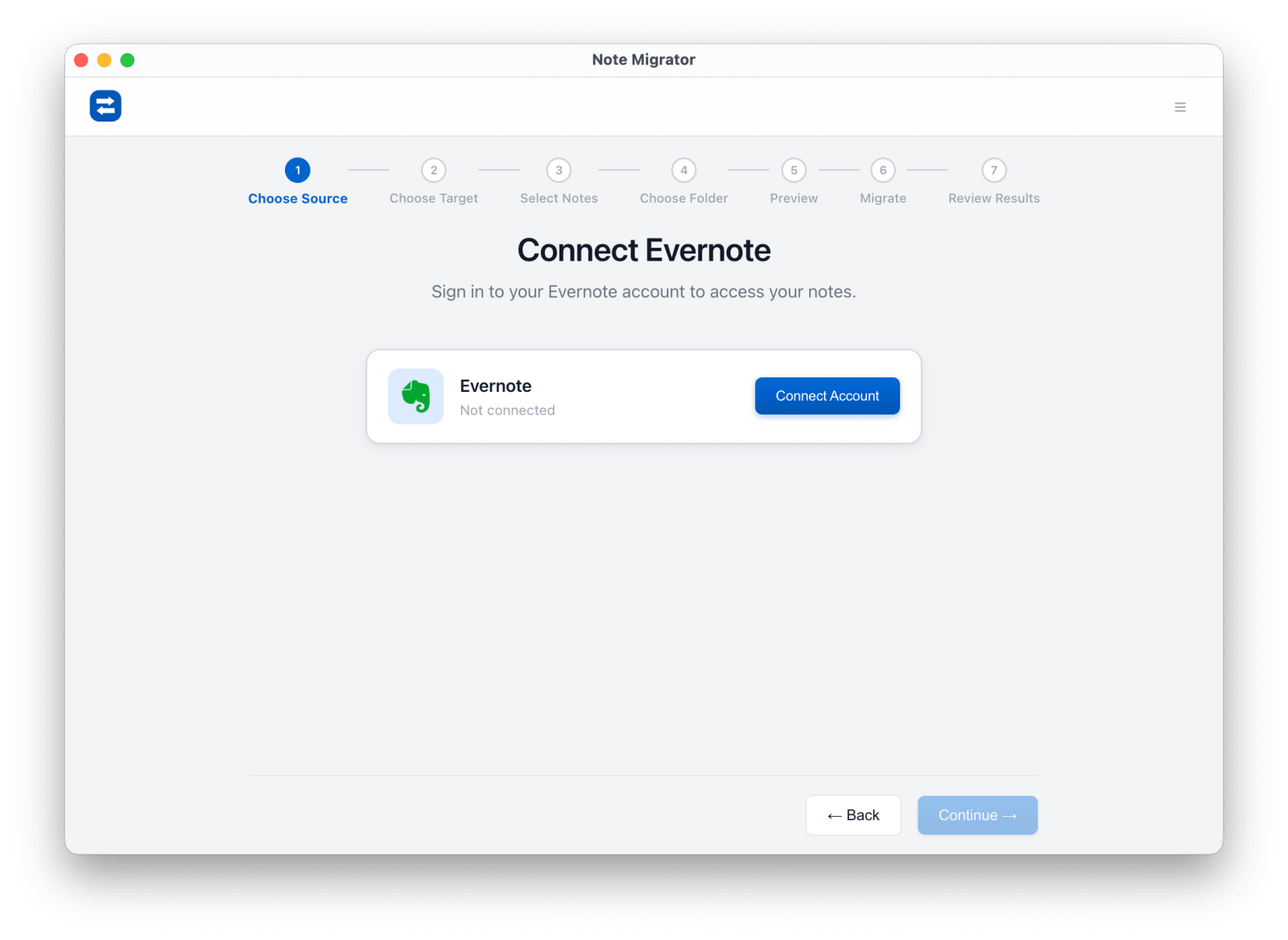
Connect Evernote
Authorize your Evernote source through the official flow.
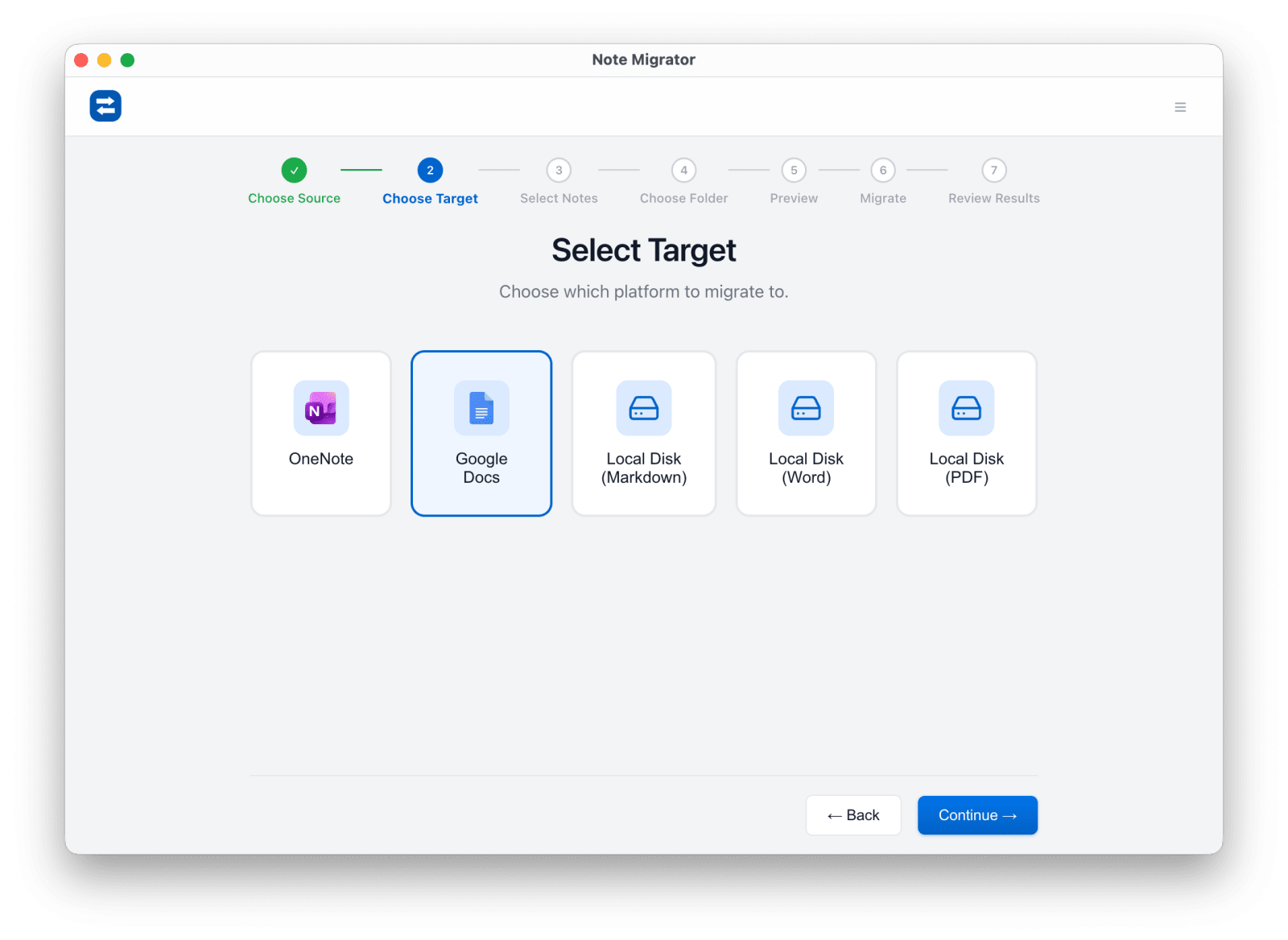
Choose Google Docs
Set Google Docs or Drive as the destination.
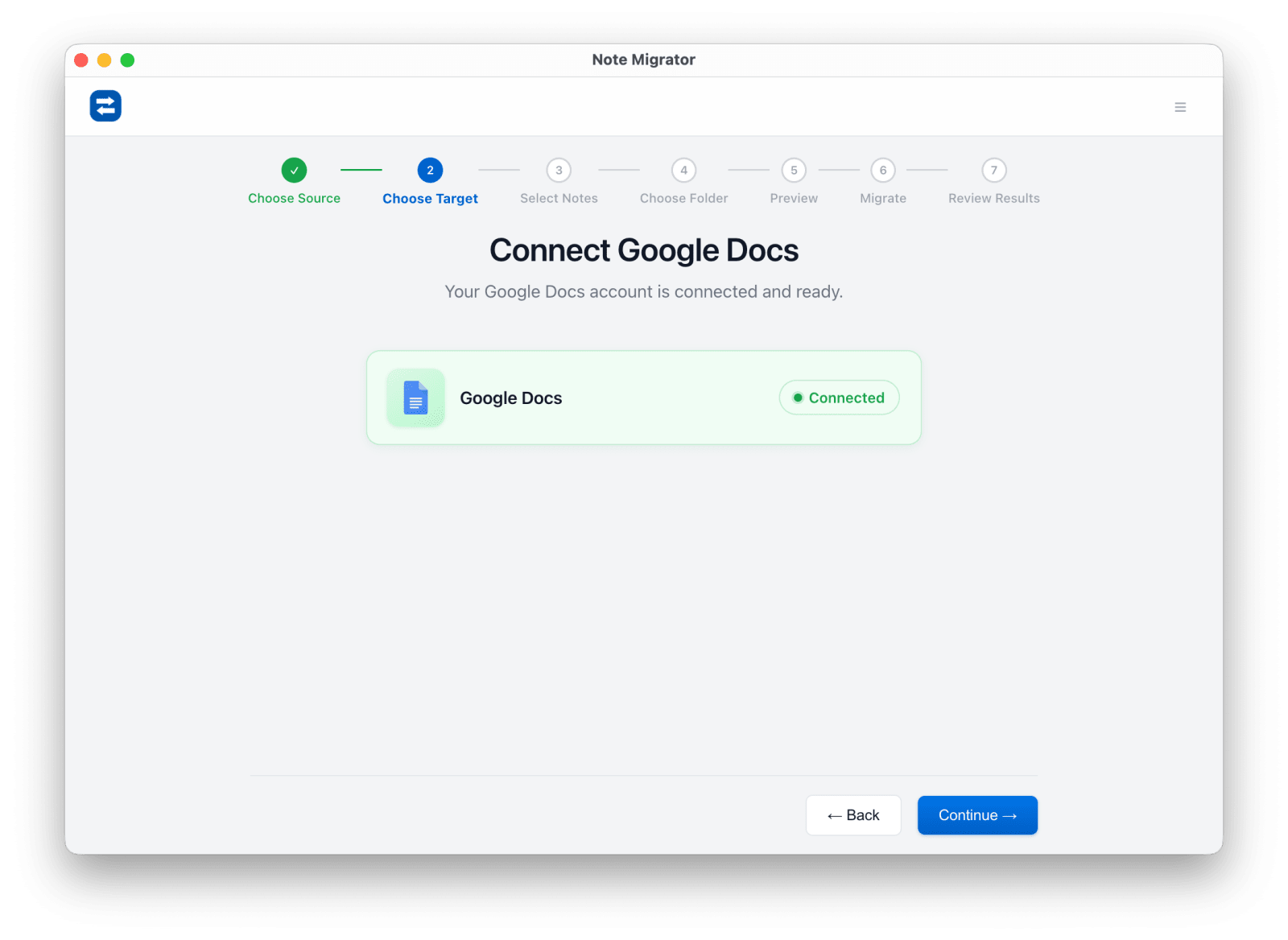
Authorize Google Drive
Connect the Google account where the documents should be created.
Pick notebooks and destination
Choose the notes to migrate and the Drive location where they should land.
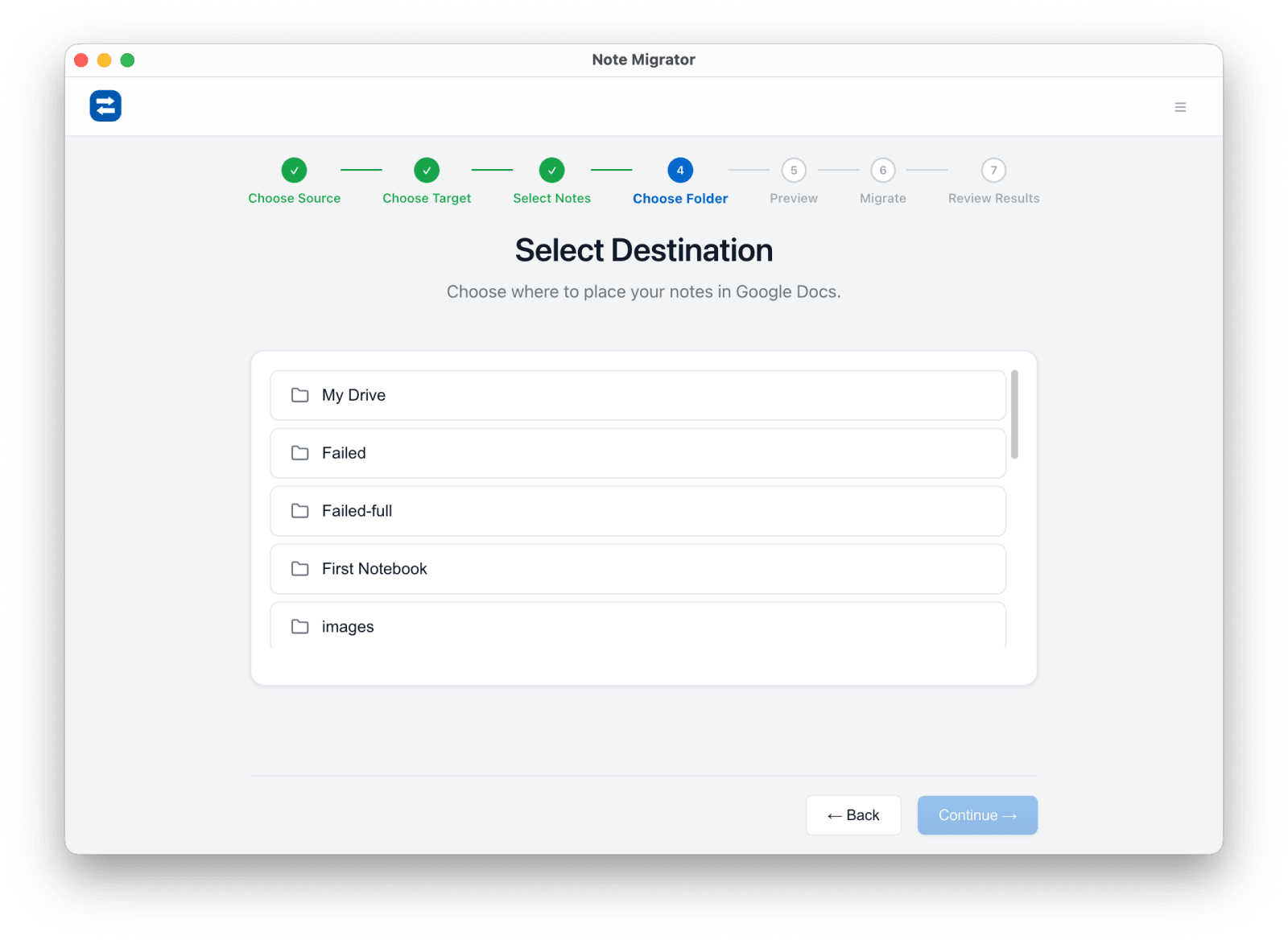
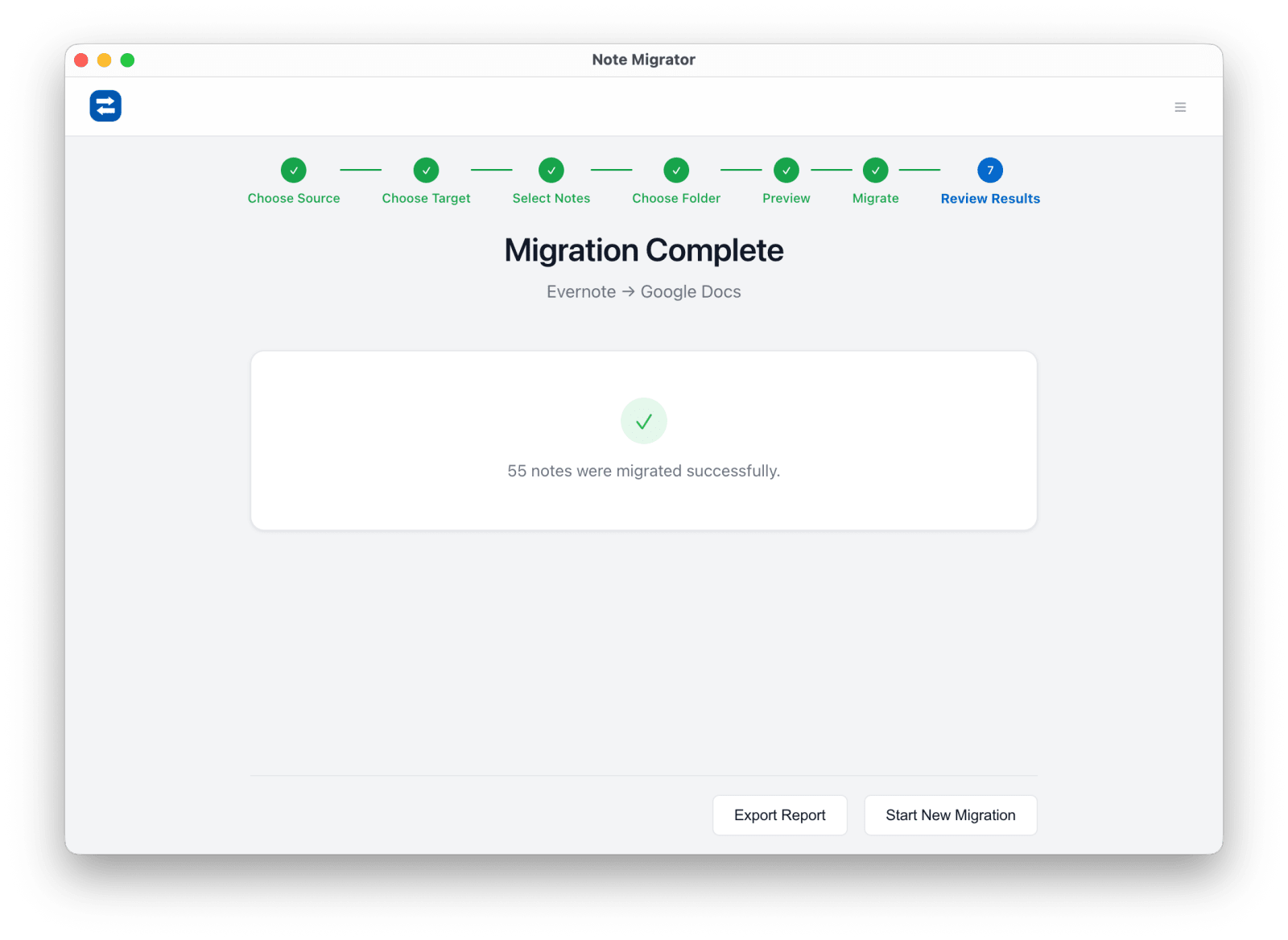
Run and review
Start the migration and review the result summary before checking Drive.
Common Evernote to Google Docs questions
Why not just copy notes manually into Docs?
Manual copy-paste is slow, breaks structure, and turns a whole-library move into repetitive cleanup work.
Is this useful for Google Workspace teams?
Yes. It is a good fit when collaboration, review, and document sharing already happen in Drive and Docs.
Does NoteMigrator store the note content on its own servers?
No. Conversion runs locally, and the destination receives data directly from the device you authorize.
Evernote to Google Docs Migration
Ready to run the workflow? Start from the download page, or read the matching long-form guide first if you want more edge cases and screenshots.