
Export Evernote to local Markdown files you actually control.
If the goal is ownership, not another note subscription, this page is the straight path: turn Evernote notebooks into clean Markdown files with local attachments and folder structure intact.
- Creates local Markdown files and attachment folders
- Works well with Obsidian, Logseq, and backup workflows
- Avoids the cleanup mess common in ENEX-to-Markdown tools
Why this route matters
Own the files outright
Your notes become ordinary files on disk instead of staying tied to a proprietary app and a recurring payment.
Use modern Markdown tools
Open the same notes in Obsidian, Logseq, Typora, VS Code, or local AI workflows without rebuilding the archive.
Make backups simple
A normal folder is easier to sync, archive, diff, and restore than an opaque note database.
What the export includes
- Folder structure
- Evernote notebooks are written as readable folders on disk.
- Markdown body content
- Headings, lists, links, and core formatting are written as clean Markdown.
- Attachments
- Images and files are saved locally beside the notes with corrected relative links.
- Metadata
- Dates and tags remain available for downstream organization and search.
How the export works
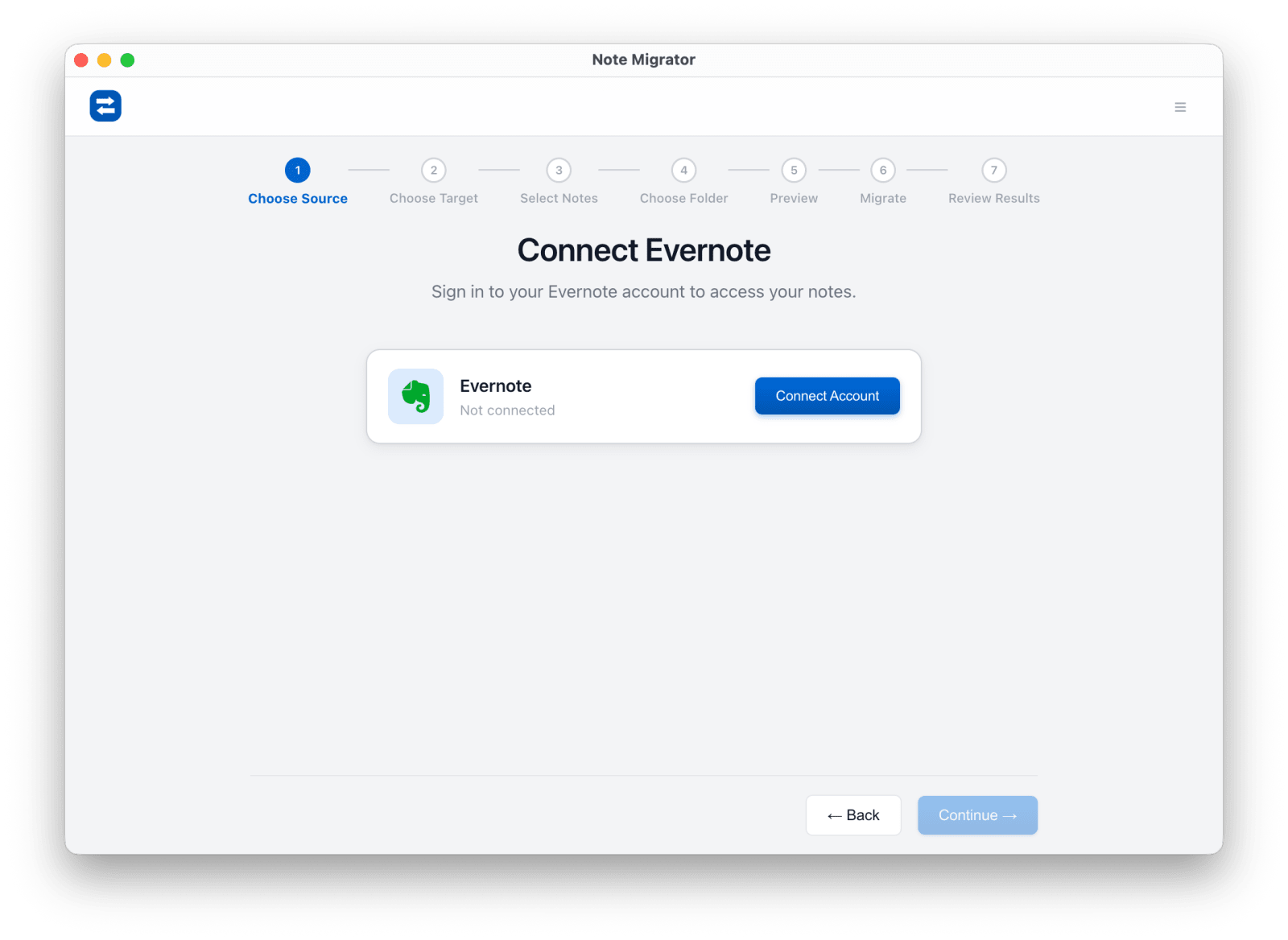
Connect Evernote
Authorize your Evernote source through the official flow.
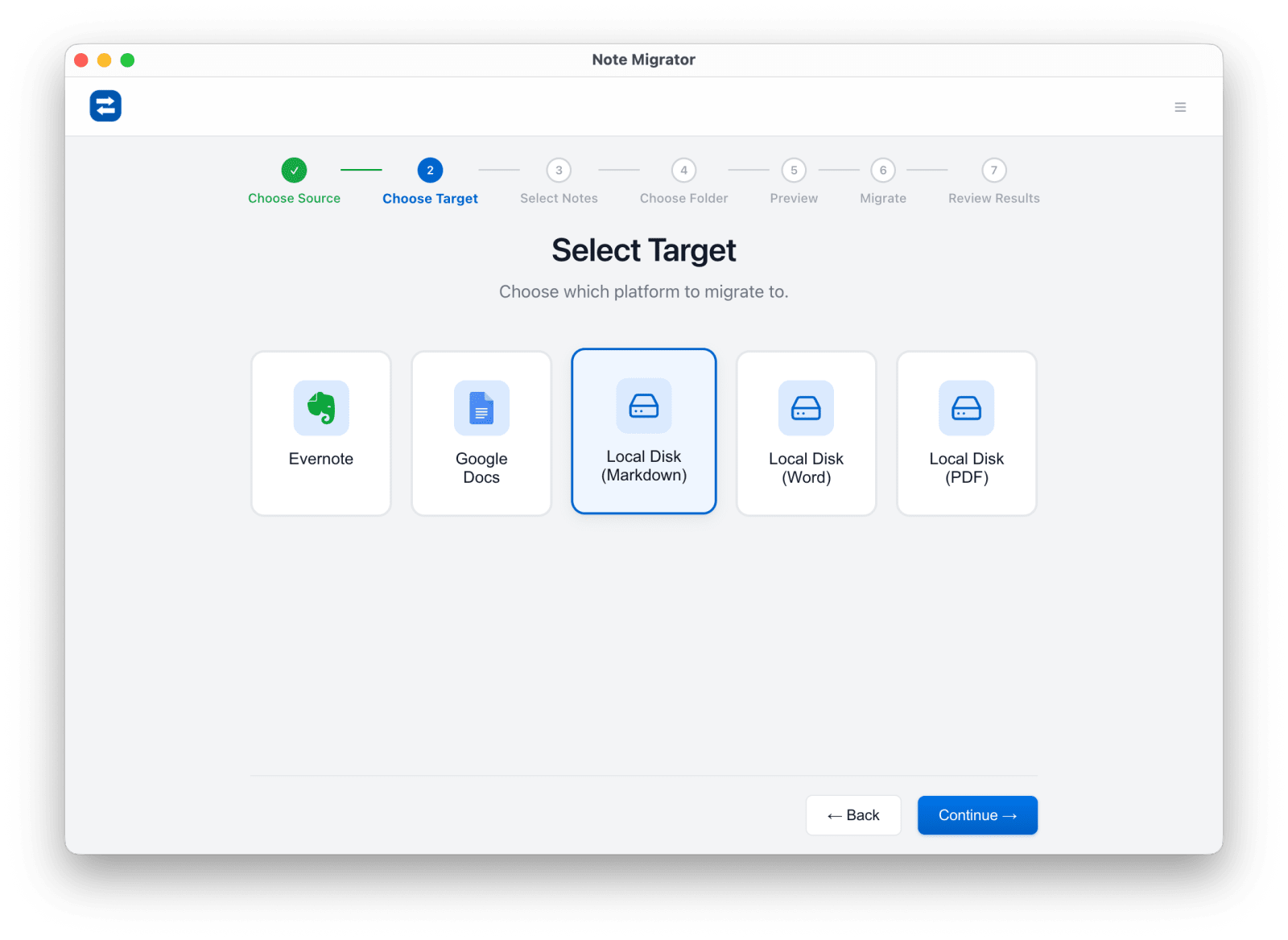
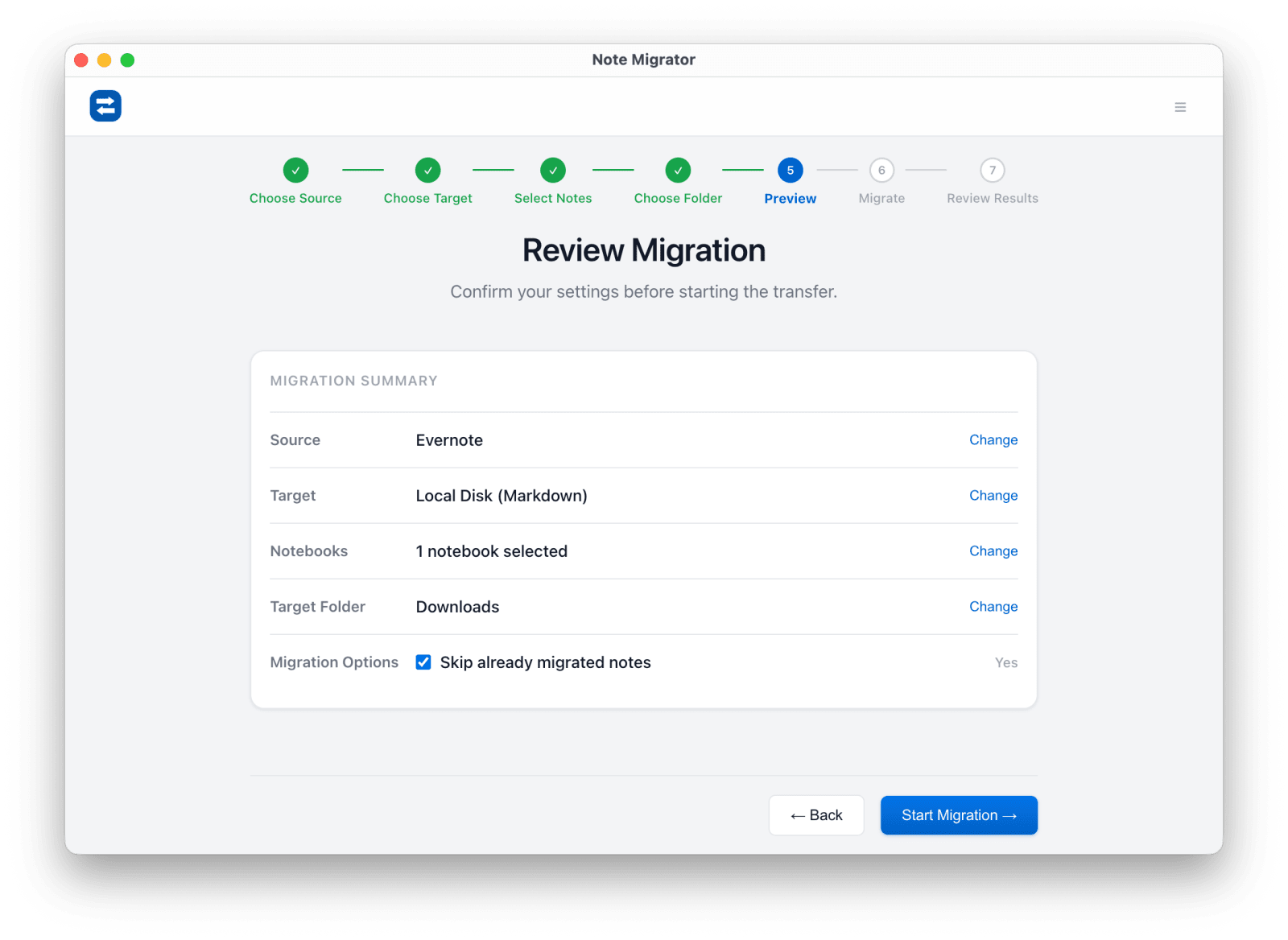
Select Local Markdown
Choose Local Markdown as the target format instead of another cloud notebook app.
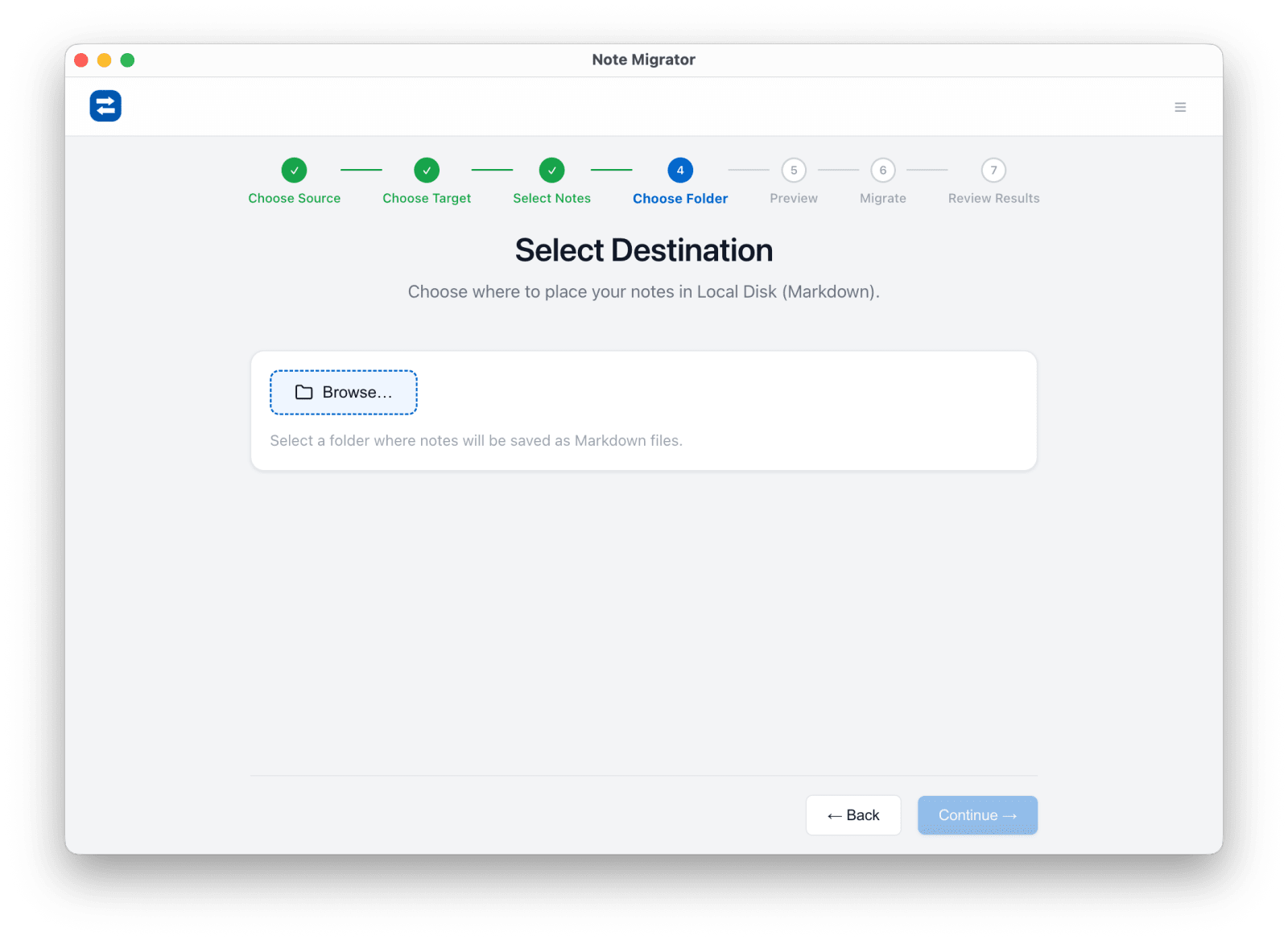
Pick notebooks and folder
Choose the notebooks to export and the local folder where files should be written.
Review and start
Check the export settings before NoteMigrator begins writing files.
Open the resulting folder
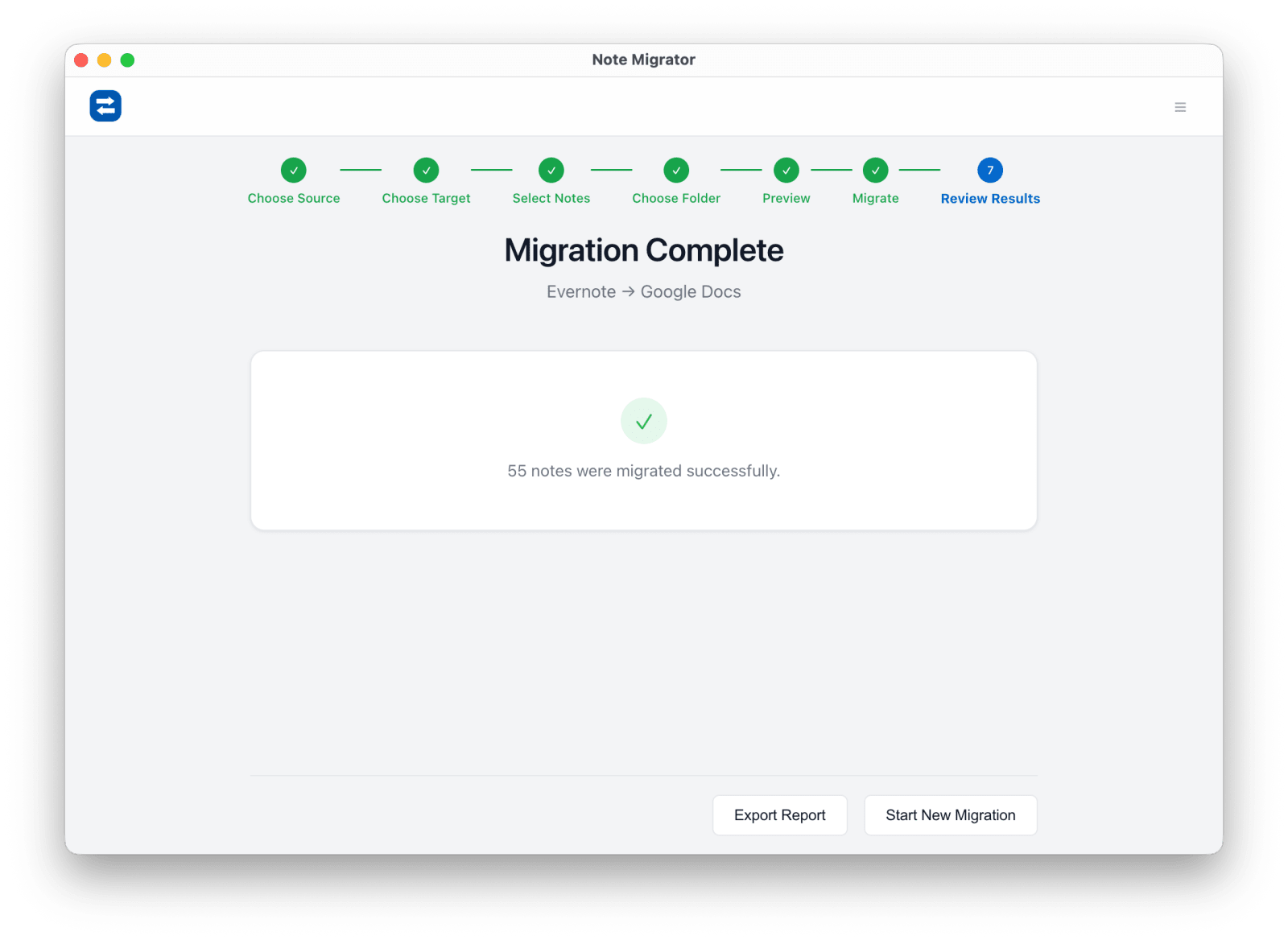
Use the finished folder in Obsidian, Logseq, or your backup workflow immediately.
Common Evernote to Markdown questions
Why not just export ENEX?
ENEX is only the intermediate archive. You still need to convert it cleanly, especially if you care about attachments, tags, and readable Markdown output.
Is this useful for Obsidian?
Yes. This route is meant for local Markdown-first workflows, including Obsidian and other file-based note tools.
Are the files stored locally?
Yes. The output is written to the local folder you choose on your computer.
Evernote to Markdown Export
Ready to run the workflow? Start from the download page, or read the matching long-form guide first if you want more edge cases and screenshots.