
Get OneNote notebooks into clean local Markdown before they become hard to leave.
This landing page is for users who want a durable local archive: Markdown files on disk, predictable structure, and an output that works in file-based note tools and backup systems.
- Exports notebooks into local Markdown folders
- Preserves hierarchy, attachments, and readable filenames
- Useful for backups, migrations, and local AI workflows
Why OneNote users export to Markdown
Reduce lock-in
Plain files are easier to keep than notes trapped behind a single client, account type, or vendor export format.
Prepare a durable archive
Markdown is easier to back up, diff, and restore than a notebook app database that depends on a specific service stack.
Work with local tooling
Markdown files are much easier to search, version, and feed into AI or scripting workflows than note-app UIs.
What stays usable after export
- Notebook hierarchy
- Notebook and section relationships are preserved as readable folders.
- Page content
- Page titles, structure, and core formatting come across in a file-friendly format.
- Linked assets
- Images and attachments stay alongside the relevant notes.
- Deterministic filenames
- Better for backups, diffs, and long-term maintenance.
How the export works
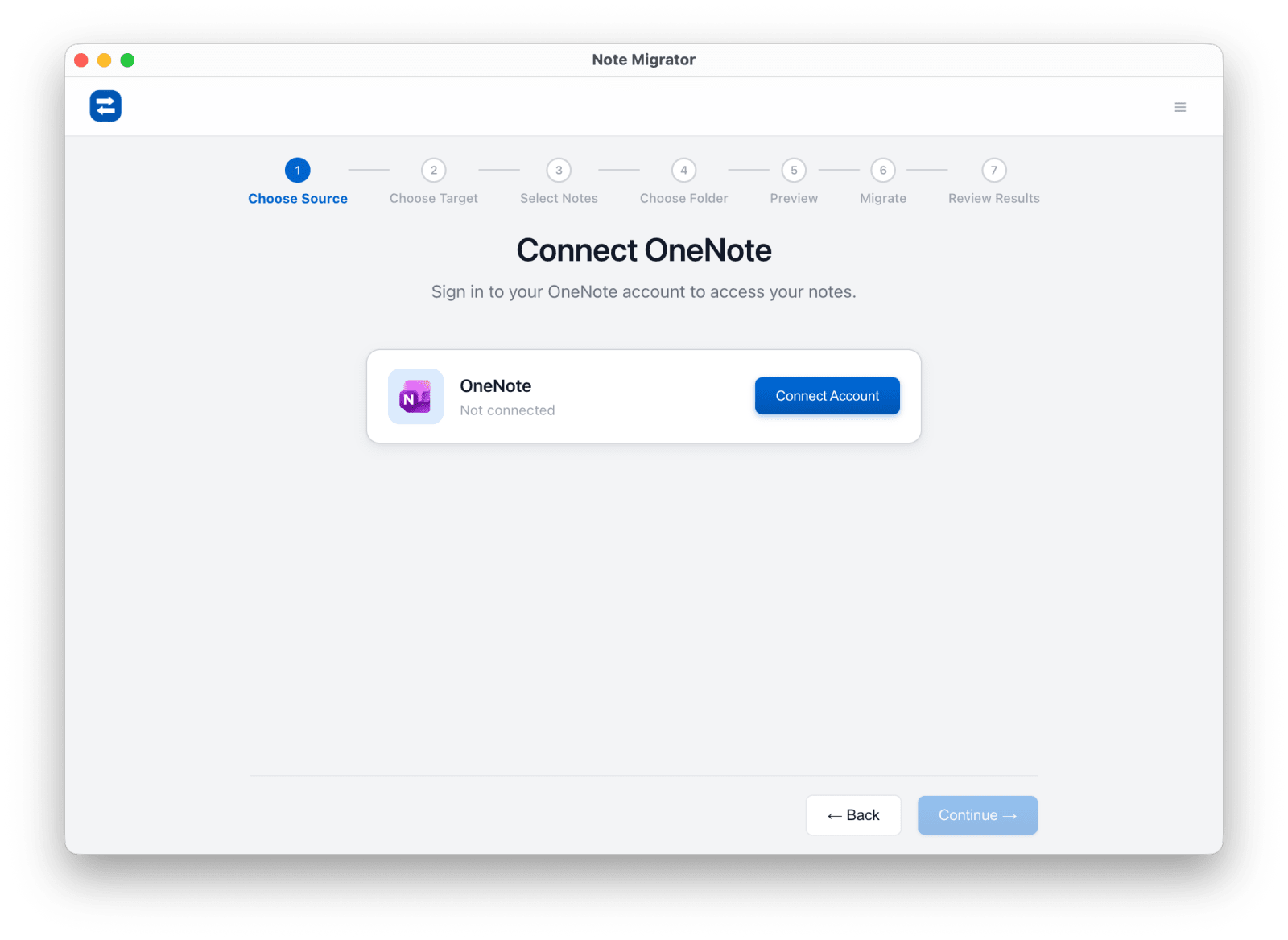
Connect OneNote
Choose OneNote as the source and authorize your Microsoft account.
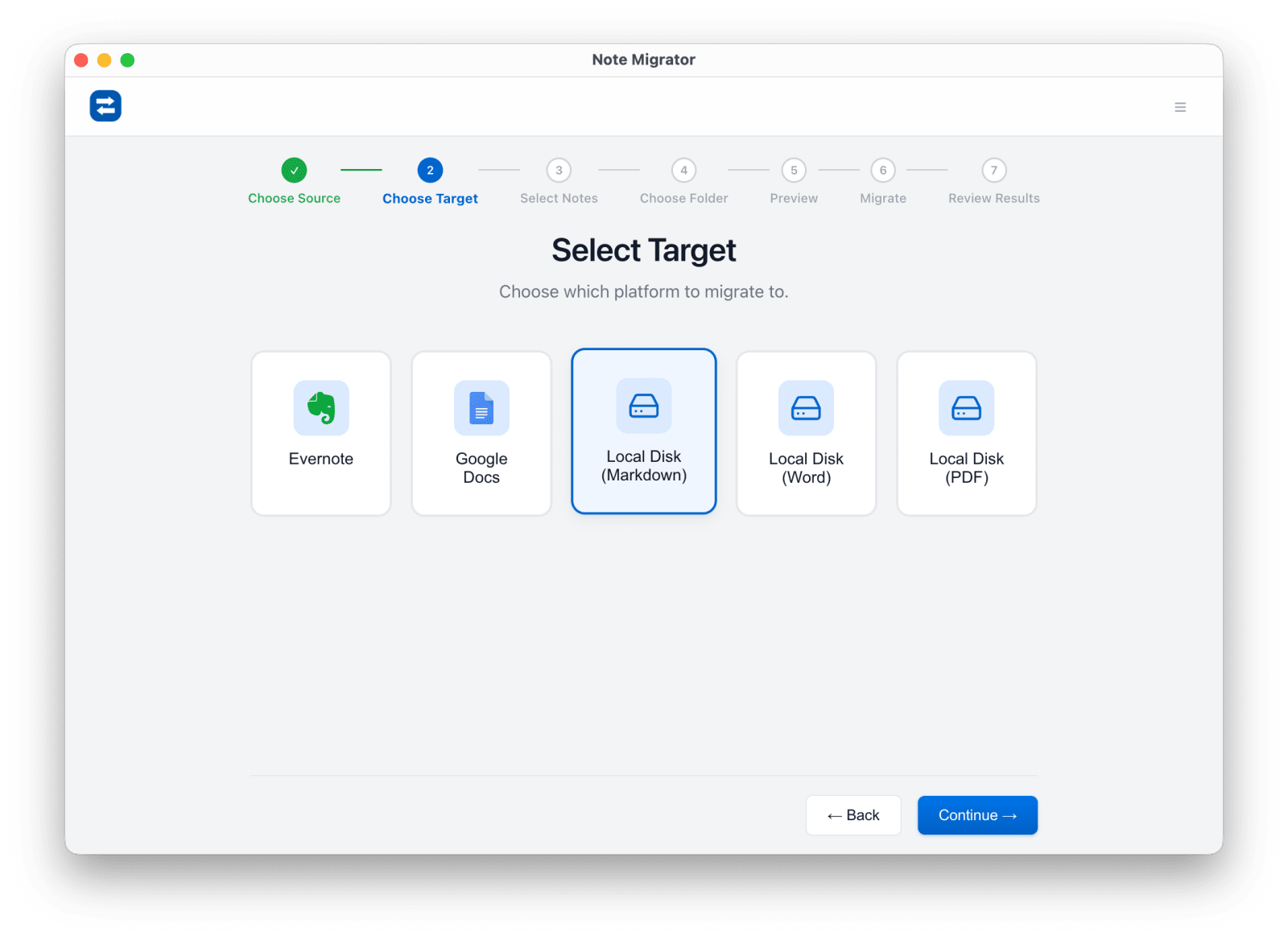
Select Local Markdown
Choose Local Markdown as the export target.
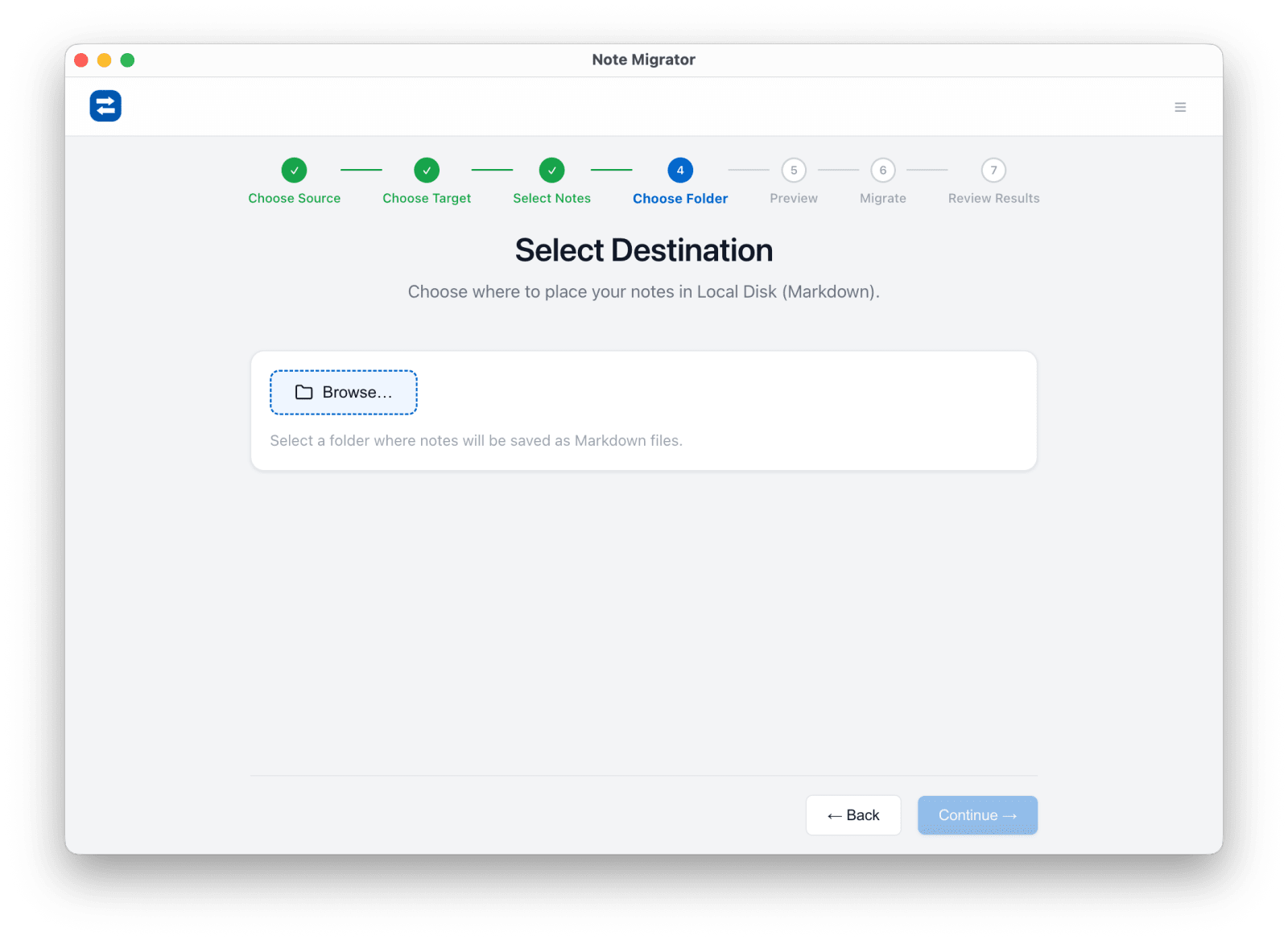
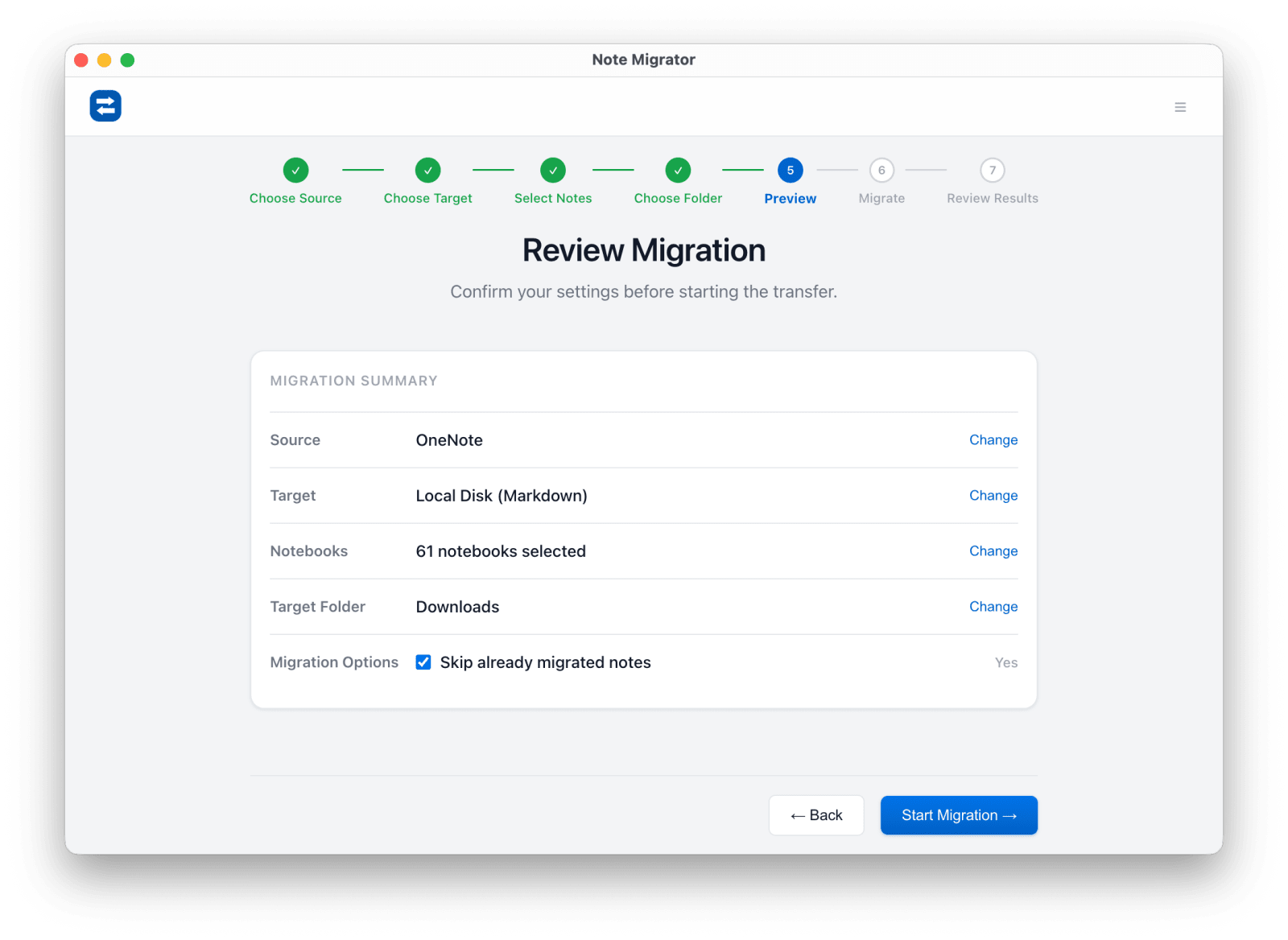
Choose notebooks and folder
Pick the notebooks to export and the local destination folder.
Review and run
Confirm the export settings and let NoteMigrator handle the conversion.
Use the archive anywhere
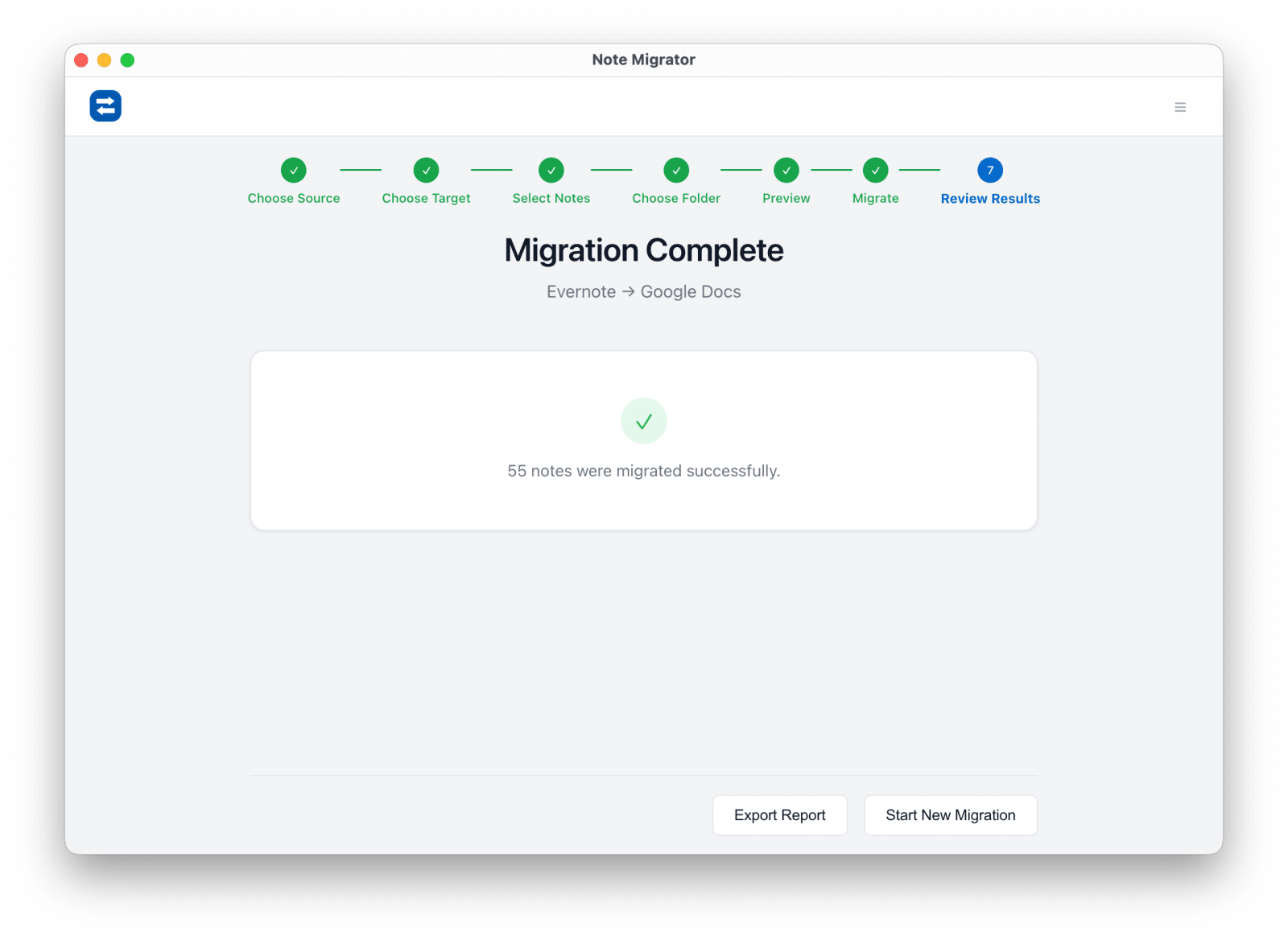
Open the finished folder in a Markdown tool, local search workflow, or backup system.
Common OneNote to Markdown questions
Is this mainly for backup or for switching apps?
Both. Some users want an archive they control; others want a migration starting point for Markdown-based tools.
Will hierarchy survive the export?
Yes. The goal is not a flat dump of files, but a structure you can still navigate on day one.
Can I export one notebook first?
Yes. Many users validate one notebook before exporting the rest of the archive.
OneNote to Markdown Export
Ready to run the workflow? Start from the download page, or read the matching long-form guide first if you want more edge cases and screenshots.