The Ultimate Guide to Migrating from Evernote to OneNote in 2026
A complete walkthrough for moving your notes from Evernote V10+ to OneNote in 2026. Covers local processing, handling attachments, and preserving your notebook structure securely.
On this page
The Ultimate Guide to Migrating from Evernote to OneNote in 2026
If you're reading this, you've likely decided it's time to leave Evernote. Maybe it's the recent price hikes, the confusing new interface, or simply that OneNote fits better into your Microsoft ecosystem. Whatever the reason, moving years of notes can feel daunting.
This guide will walk you through exactly how to migrate from Evernote (specifically the modern V10 version) to OneNote in 2026, without losing your data, formatting, or sanity.
Why Migrating is Harder in 2026
Back in the day, Evernote had a simple export feature that worked with many open-source tools. But with the introduction of Evernote V10, the underlying architecture changed completely.
Legacy Tools Break: Popular tools like `Evernote2Onenote` often fail with modern Evernote formats.
API Limits: Evernote has stricter API limits now, making bulk exports tricky.
Attachment Handling: Getting images and PDFs to display correctly in OneNote requires specific handling that simple copy-paste can't do.
Step 1: Prepare Your Evernote Data
Before you start, do a little spring cleaning:
Empty the Trash: Don't migrate deleted notes.
Sync Everything: Make sure your Evernote desktop app is fully synced.
Organize Tags (Optional): If you use tags heavily, consider cleaning them up. OneNote handles tags differently (it doesn't have a central tag database like Evernote), so simpler is better.
Step 2: Choose Your Migration Method
Method A: The Manual Way (Not Recommended)
You can technically copy-paste notes one by one.
Pros: Free.
Cons: Extremely slow. Formatting often breaks. Metadata (creation dates) is lost.
Method B: The "Print to OneNote" Way
You can "print" a note to OneNote.
Pros: Free.
Cons: The note becomes a static image/PDF in OneNote. You can't edit the text easily.
Method C: NoteMigrator (Recommended)
This is where our tool comes in. We built NoteMigrator specifically to handle the complexities of Evernote V10 and OneNote's modern API.
Secure: Conversion runs on your PC/Mac, and uploads go directly to the Microsoft account you authorize.
Complete: Preserves attachments, HTML formatting, and creation dates.
Automated: Migrates entire notebooks at once.
Step 3: The Migration Process with NoteMigrator
Here is the exact workflow to get your notes moved over securely:
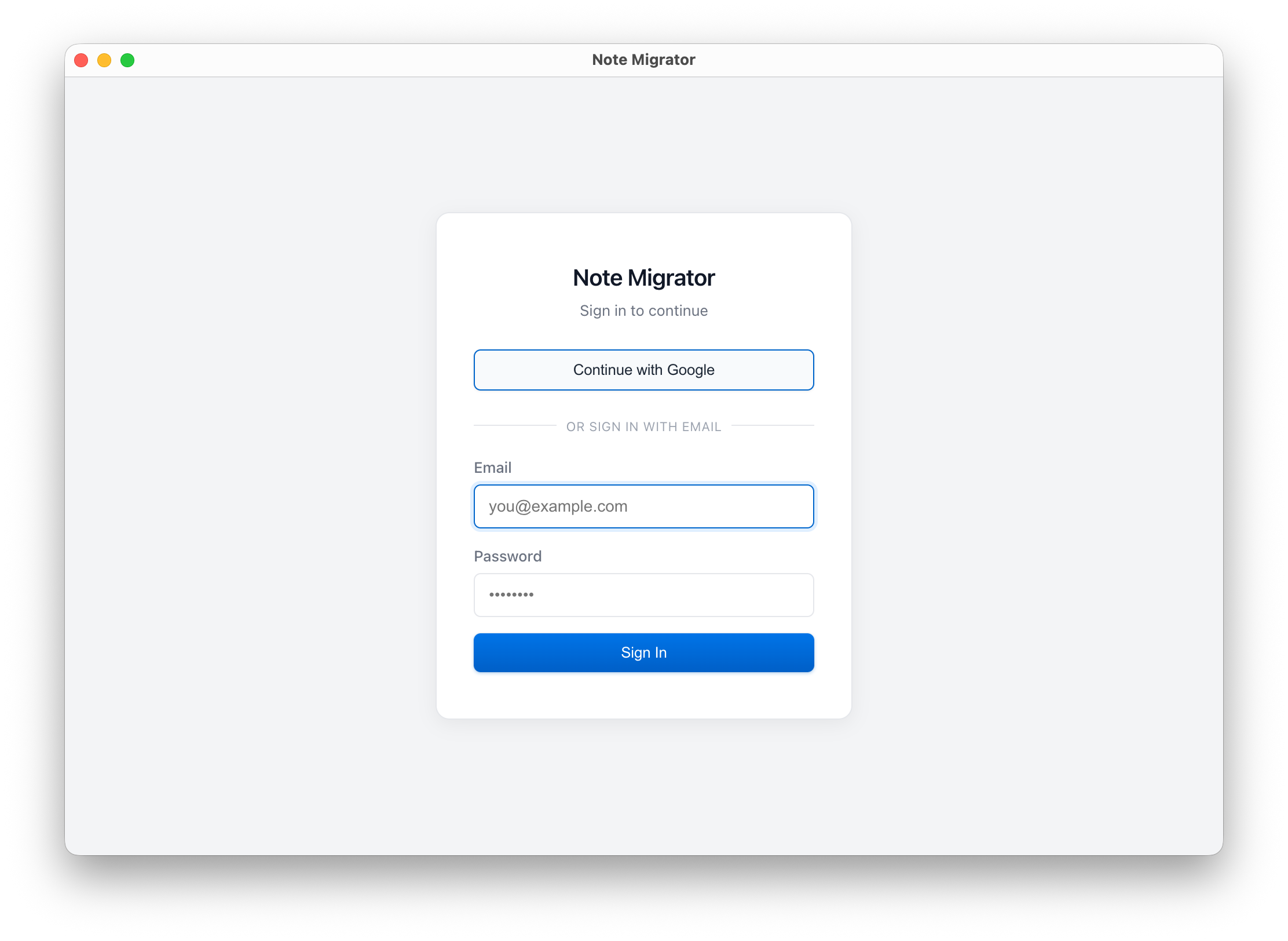
Download & Login to NoteMigrator: Get the latest version for Windows or Mac from our Download Page and sign in.
Login to NoteMigrator
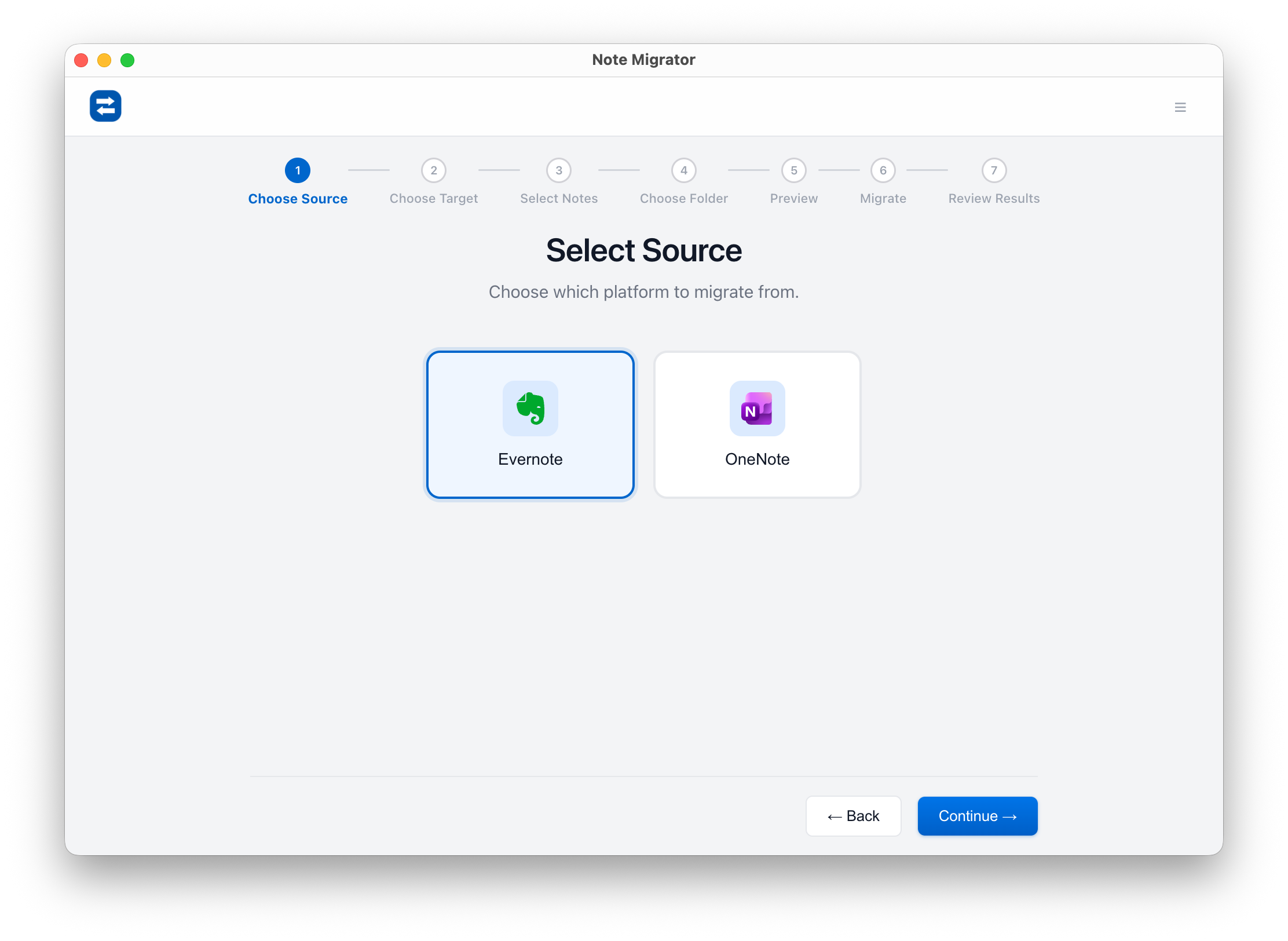
Select Evernote as the Source: Pick Evernote from the list of supported source platforms.
Select Source Platform
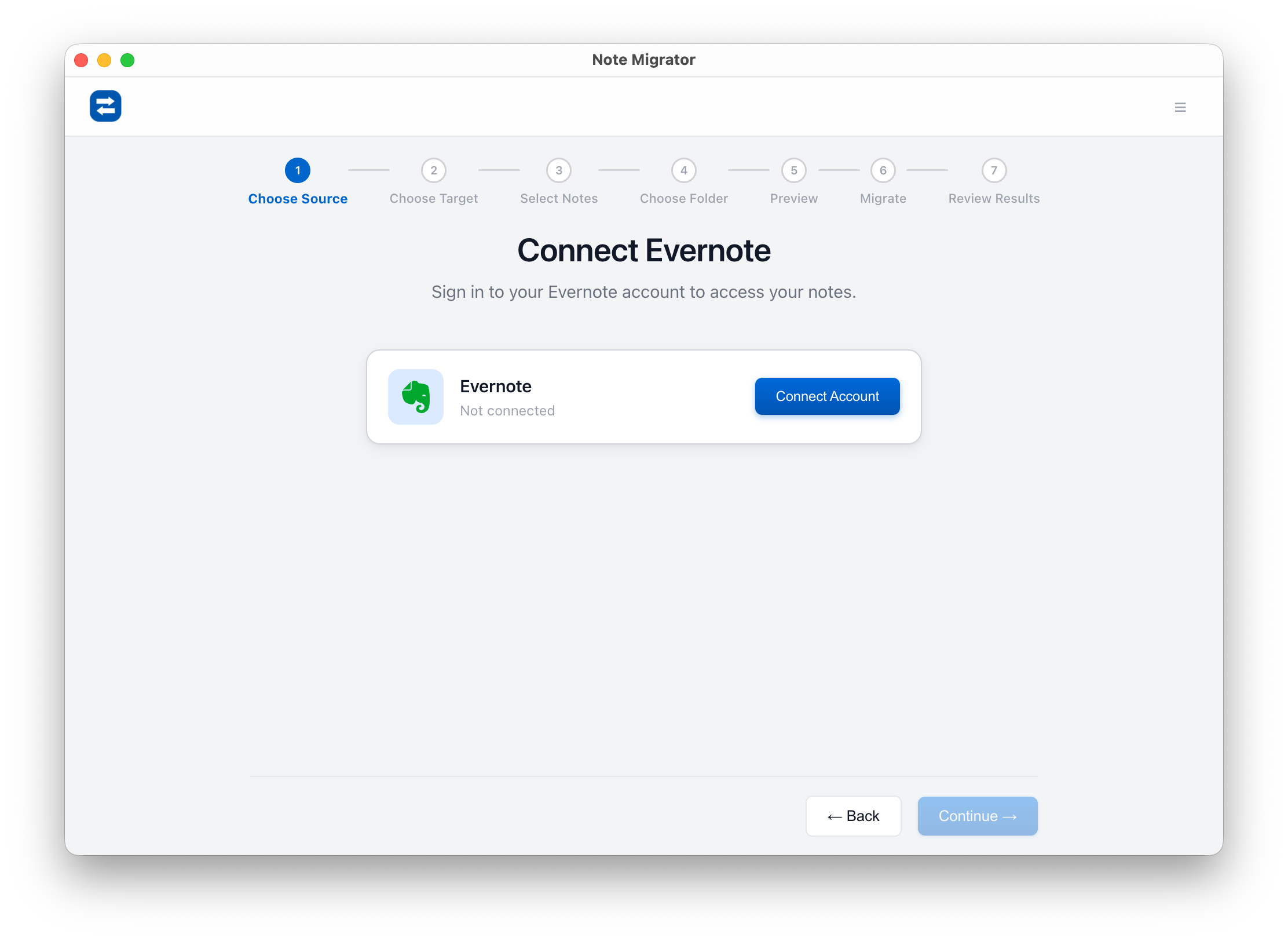
Connect Your Evernote Account: Authenticate via official OAuth — your password never touches NoteMigrator.
Connect Evernote
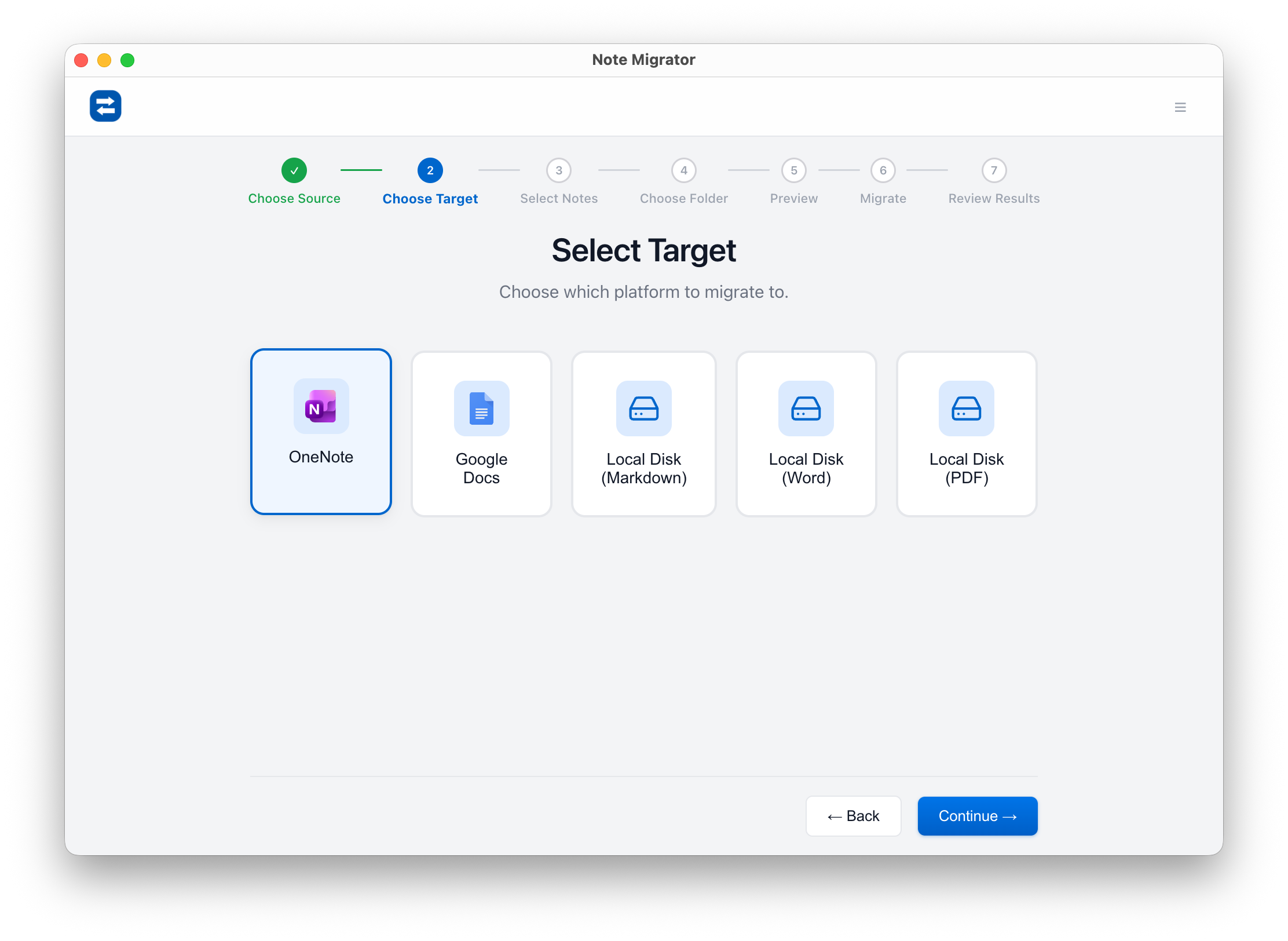
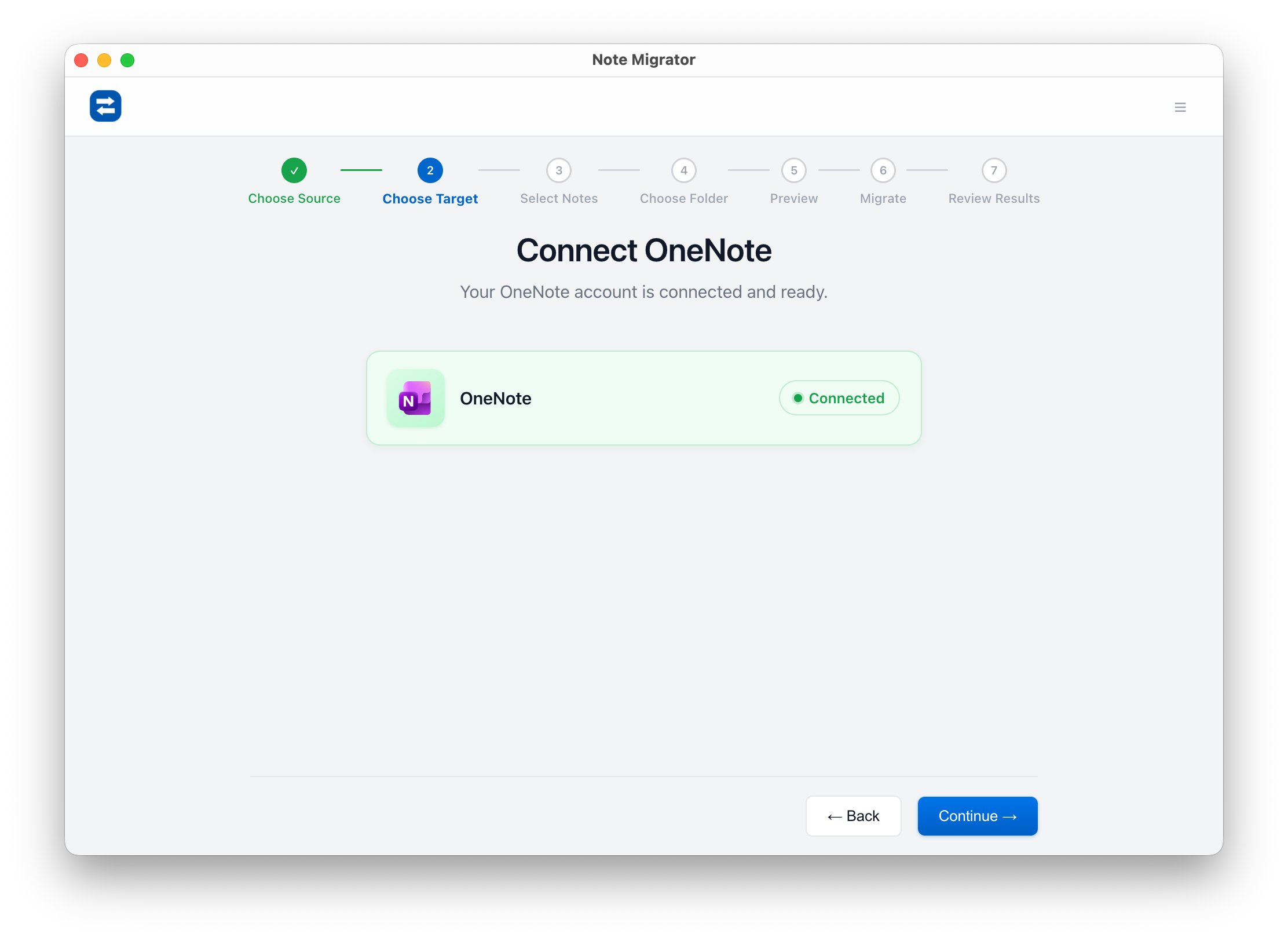
Select OneNote as the Target: Choose OneNote as the destination for your notes.
Select Target Platform
Connect Your Microsoft Account: Authorize NoteMigrator to create sections and pages in your OneNote.
Connect OneNote
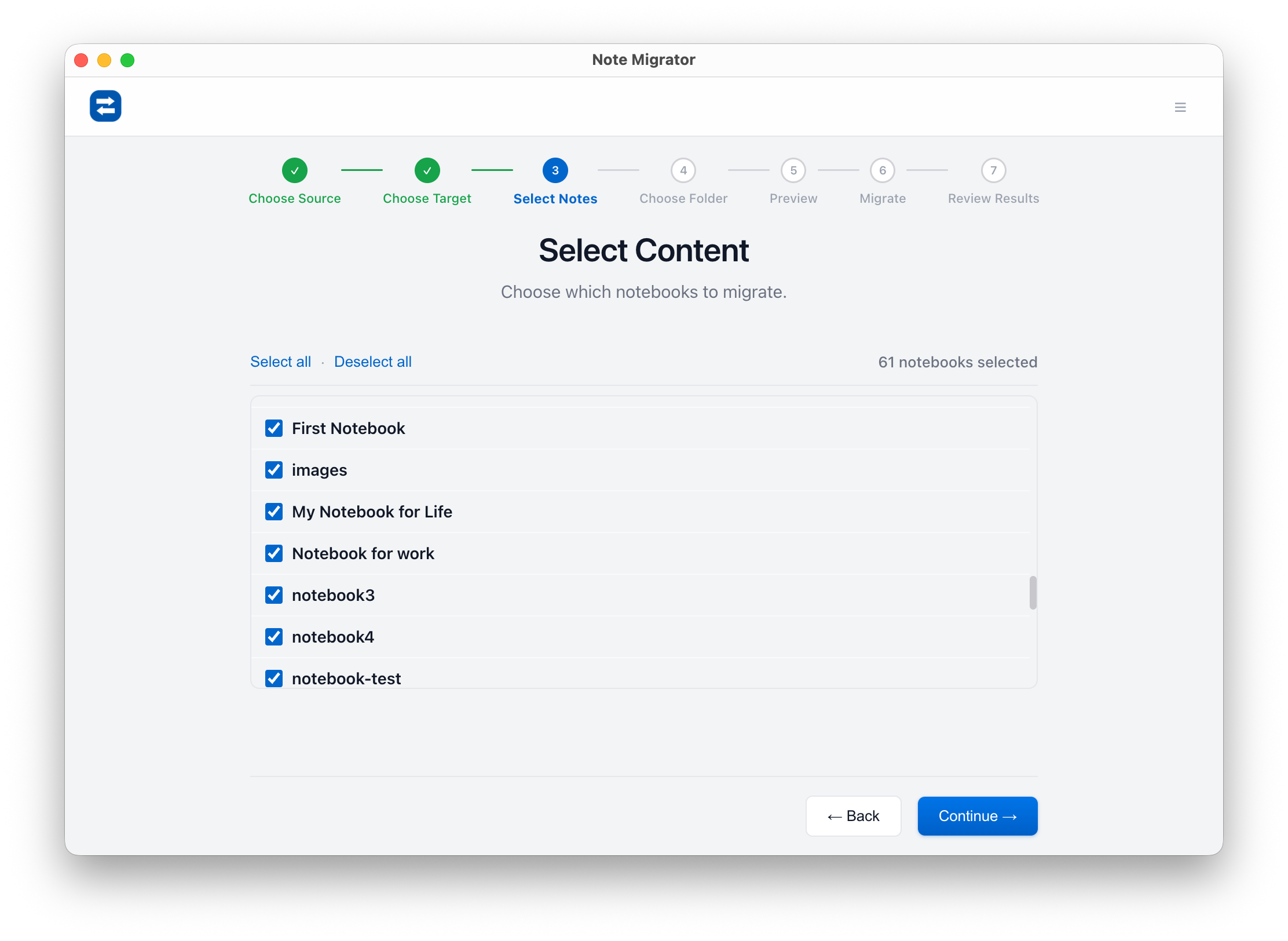
Pick the Evernote Notebooks to Migrate: Select specific notebooks — we recommend starting with one or two to verify the results.
Select Source Notebooks
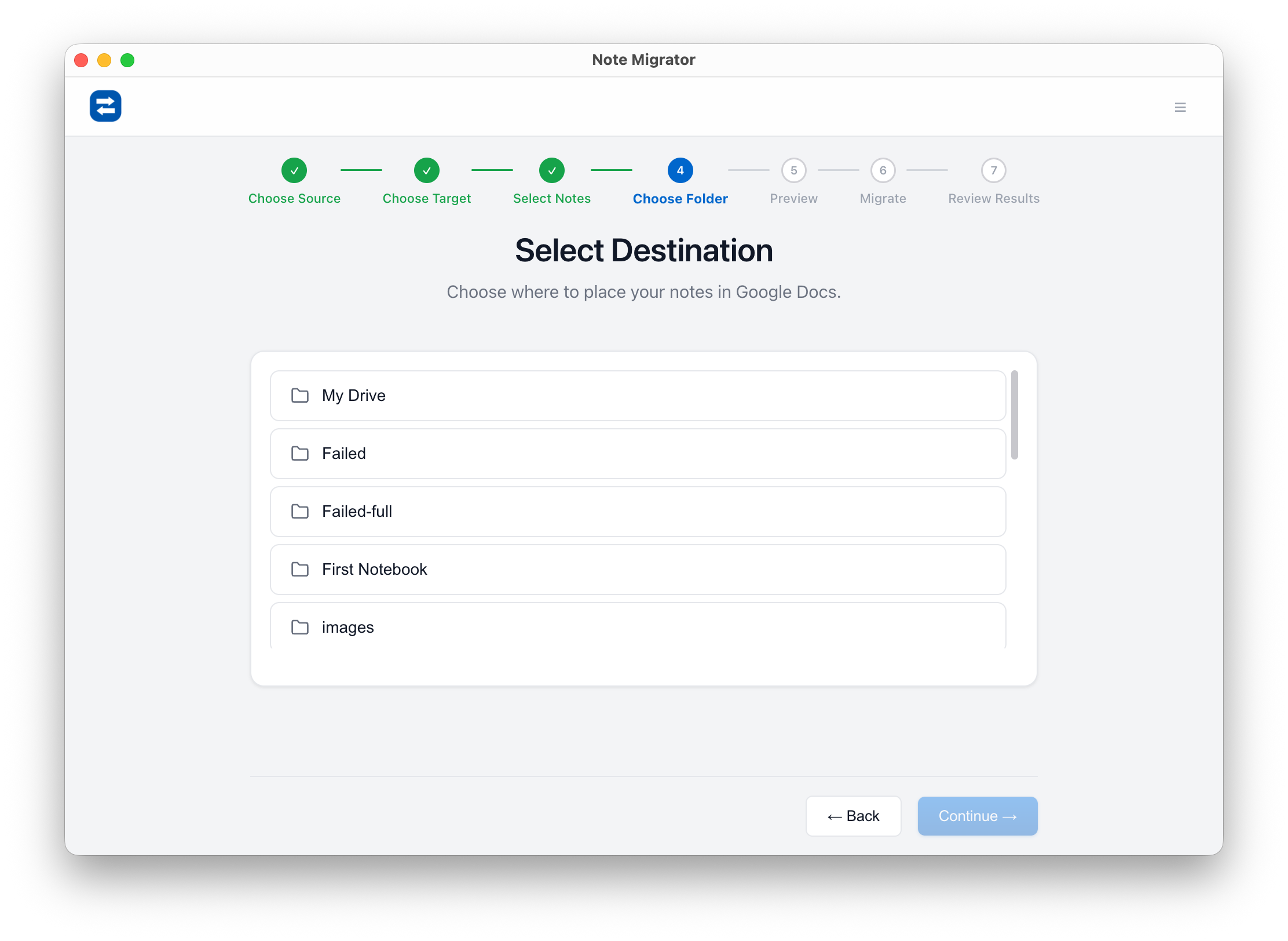
Choose the OneNote Destination: Pick the OneNote notebook where the new sections should be created.
Select Target Notebook
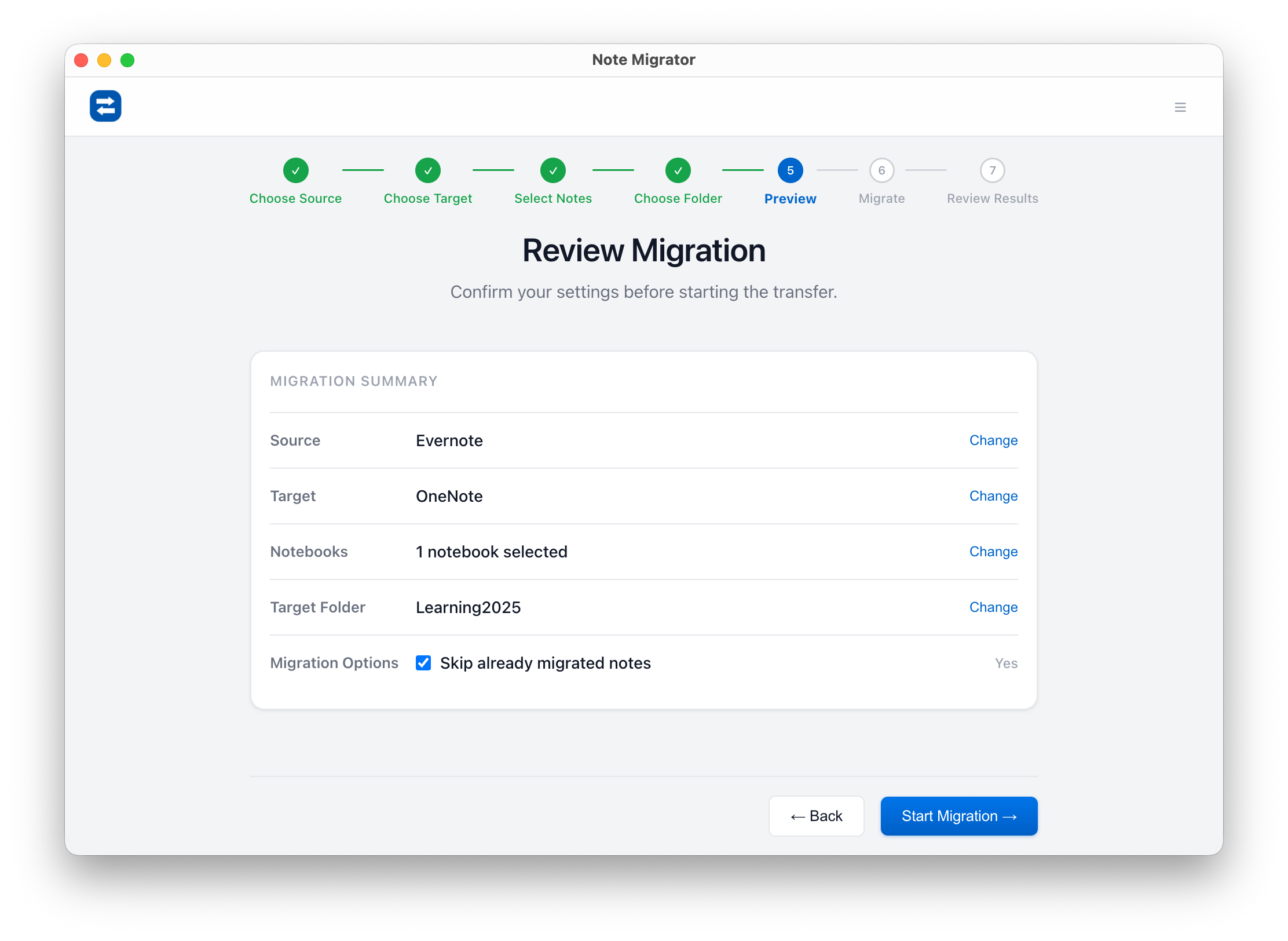
Review Your Selections: Double-check sources, targets, and the number of notes before kicking off the migration.
Review Selections
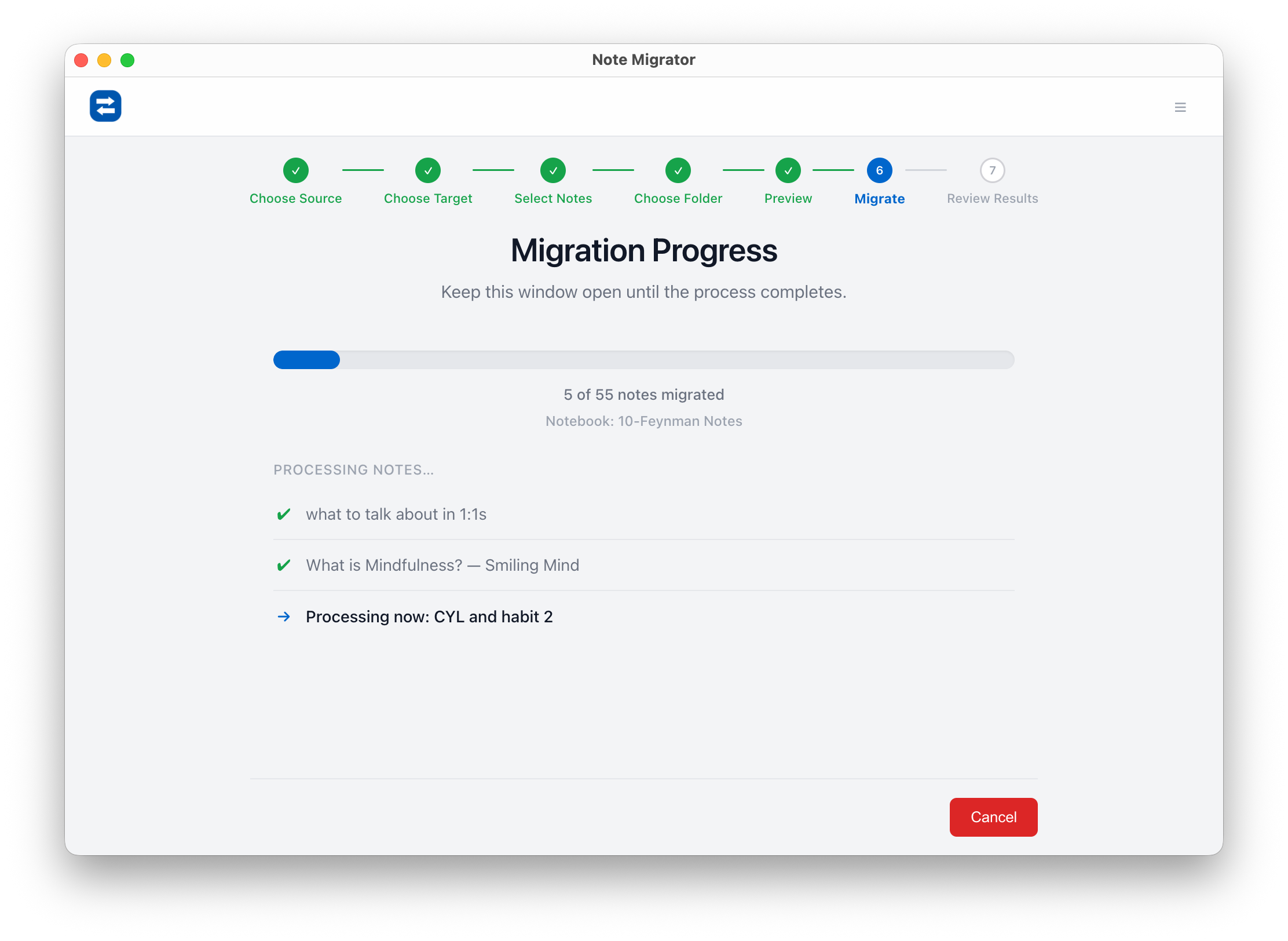
Run the Migration: NoteMigrator processes each note locally, converts HTML to OneNote format, and uploads attachments securely.
Migration Progress
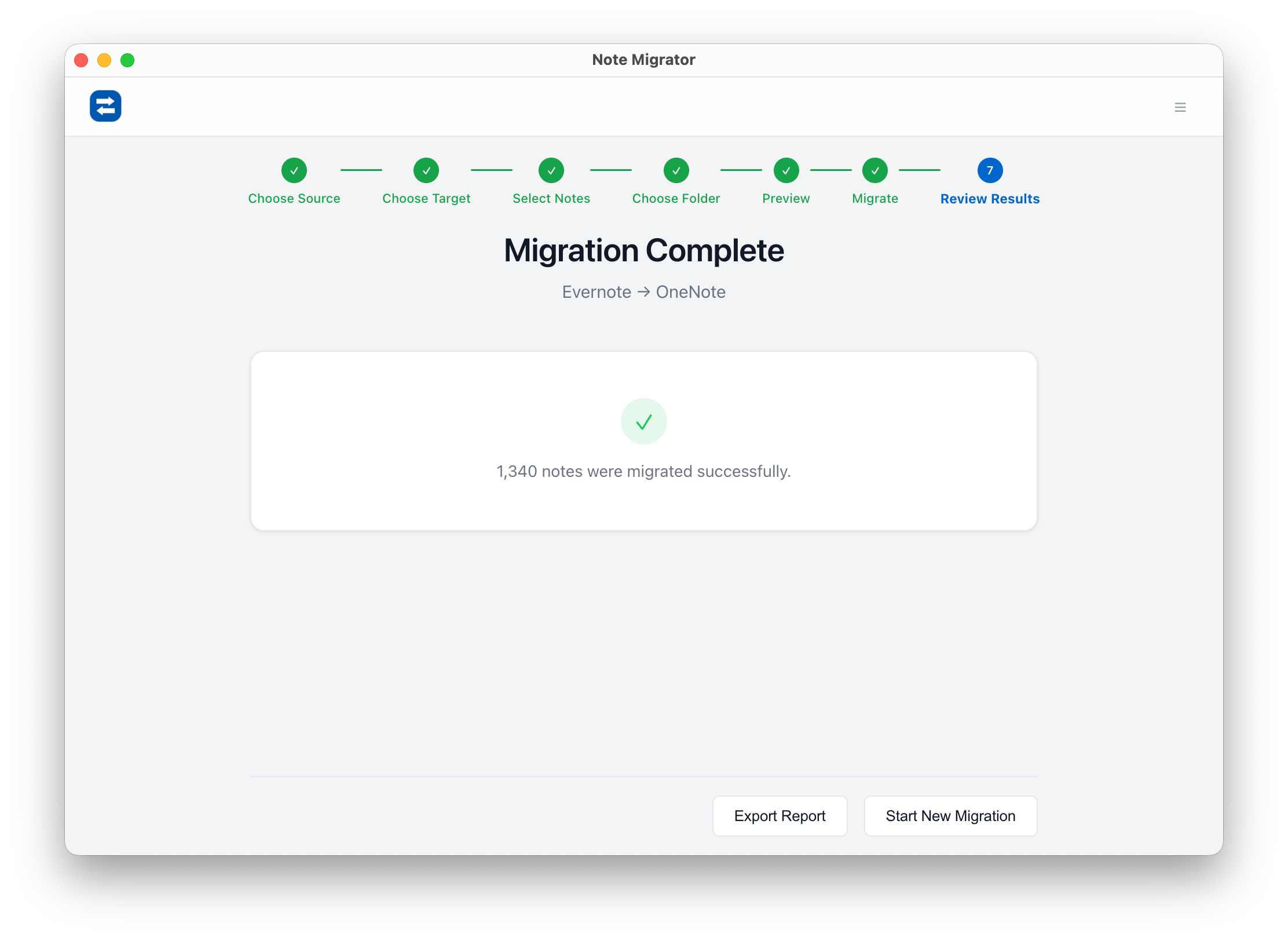
Review the Results: When complete, you'll get a full summary — open OneNote to find your notes organized into sections.
Review Migration Result
Step 4: Post-Migration Cleanup in OneNote
Once the green checkmarks appear, open OneNote (it might take a minute to sync from the cloud).
Check Formatting: Open a few complex notes with tables or images.
Organize Sections: You might want to group your new sections into "Section Groups" if you have a lot of them.
Search Indexing: OneNote takes a while to index new content. If search doesn't work immediately, give it an hour.
Frequently Asked Questions
Q
Q: Will I lose my tags?
A: NoteMigrator appends tags to the bottom of your OneNote page as hashtags (e.g., #receipts #work) so they are searchable. OneNote's native tagging system is more for "To-Do" checkboxes, so this is the best way to preserve organization.
Q
Q: What about Web Clips?
A: Web clips usually transfer fine, but complex layouts might be simplified to ensure they are editable in OneNote.
Q
Q: Is it safe?
A: Yes. NoteMigrator performs local processing. Your data goes directly from Evernote's cloud to your computer's memory, then directly to OneNote's cloud. It never touches our servers.
What Evernote Elements Are Preserved?
Not everything in Evernote has a direct equivalent in OneNote, but NoteMigrator handles the core content types so your notes arrive intact:
Element
What's Migrated
Notebook structure
Notebooks and note ordering mapped to OneNote sections
Rich text formatting
Bold, italic, underline, strikethrough, font styles, and colors
Headings
H1–H6 heading levels preserved
Lists
Bullet lists, numbered lists, and checkboxes
Inline images
PNG, JPG, GIF, and WEBP images embedded in notes
File attachments
PDFs, audio files, documents, and spreadsheets uploaded with the page
Tables
Table structure with rows and columns
Hyperlinks
External URLs and internal note links
Tags
Converted to searchable hashtags (e.g., #work #receipts)
Metadata
Creation and modification dates preserved
Code blocks
Simple formatting and monospace styling
Horizontal rules
Section dividers preserved
As Evernote keeps introducing new features, some of Evernote-specific features don't have a OneNote equivalent — such as Evernote's native events, and task system are not migrated. Everything else that matters comes over cleanly.
Ready to Make the Switch?
Don't let your data be held hostage. With the right tool, you can move to OneNote in an afternoon and never look back.
We build NoteMigrator and document note-migration workflows, destination-specific constraints, and privacy tradeoffs so readers can plan migrations with fewer surprises.
Move your notes into Microsoft Word. Learn how to convert your Evernote notebooks into local DOCX files with all formatting, tables, and attachments preserved.
Archive your notes in a standard, universally readable format. Learn how to convert your Evernote notebooks into local PDF files with all formatting, layouts, and attachments preserved.