
Export Evernote to universally readable, local PDF files.
If you want to archive your notes for the next decade without worrying about proprietary database formats, this route converts Evernote notebooks into standard local PDF files.
- Generates separate PDF files for each note
- Maintains layout formatting, tables, and images
- Saves to your local computer for offline access
Why export Evernote notes to PDF
Universal data readability
PDF displays exactly the same on any operating system, screen size, or browser, decades from now.
Offline portable archive
Keep your backup folder on an external drive, USB stick, or private cloud storage with no app dependencies.
Clean visual format
Better than raw text exports if your notes rely on specific layouts, embedded tables, and visual structures.
What NoteMigrator preserves in the PDF export
- Notebook hierarchy
- Notebook structures are mapped to matching local subfolders.
- Embedded media
- Inline images, files, and drawings are embedded inside the PDF files.
- Note layouts
- Headings, bullet lists, bold text, and tables are converted to clean PDF styles.
- Timestamps
- Creation and edit dates are preserved in file metadata where possible.
How the PDF export works
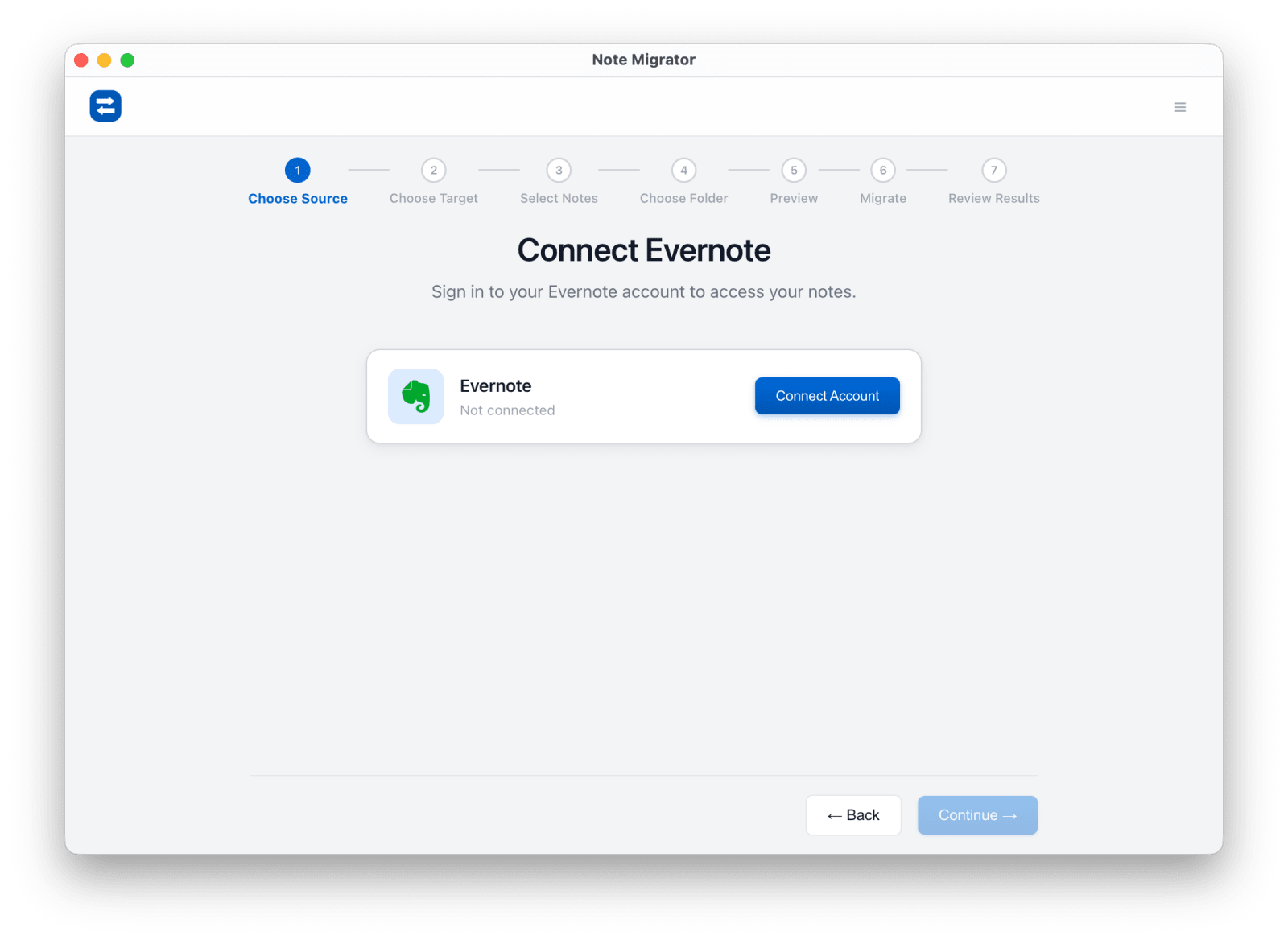
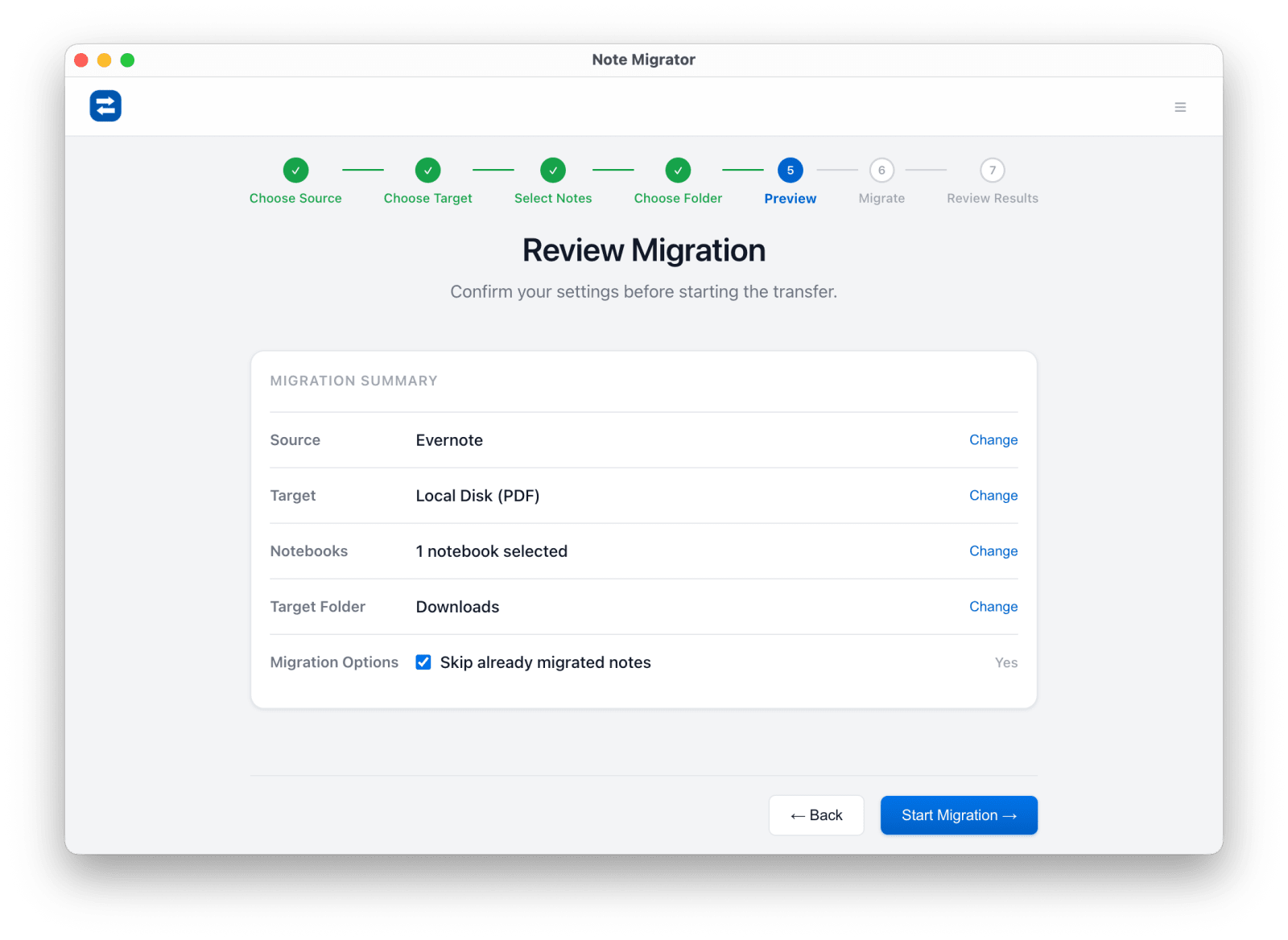
Connect Evernote
Sign in and authorize access to your Evernote notes.
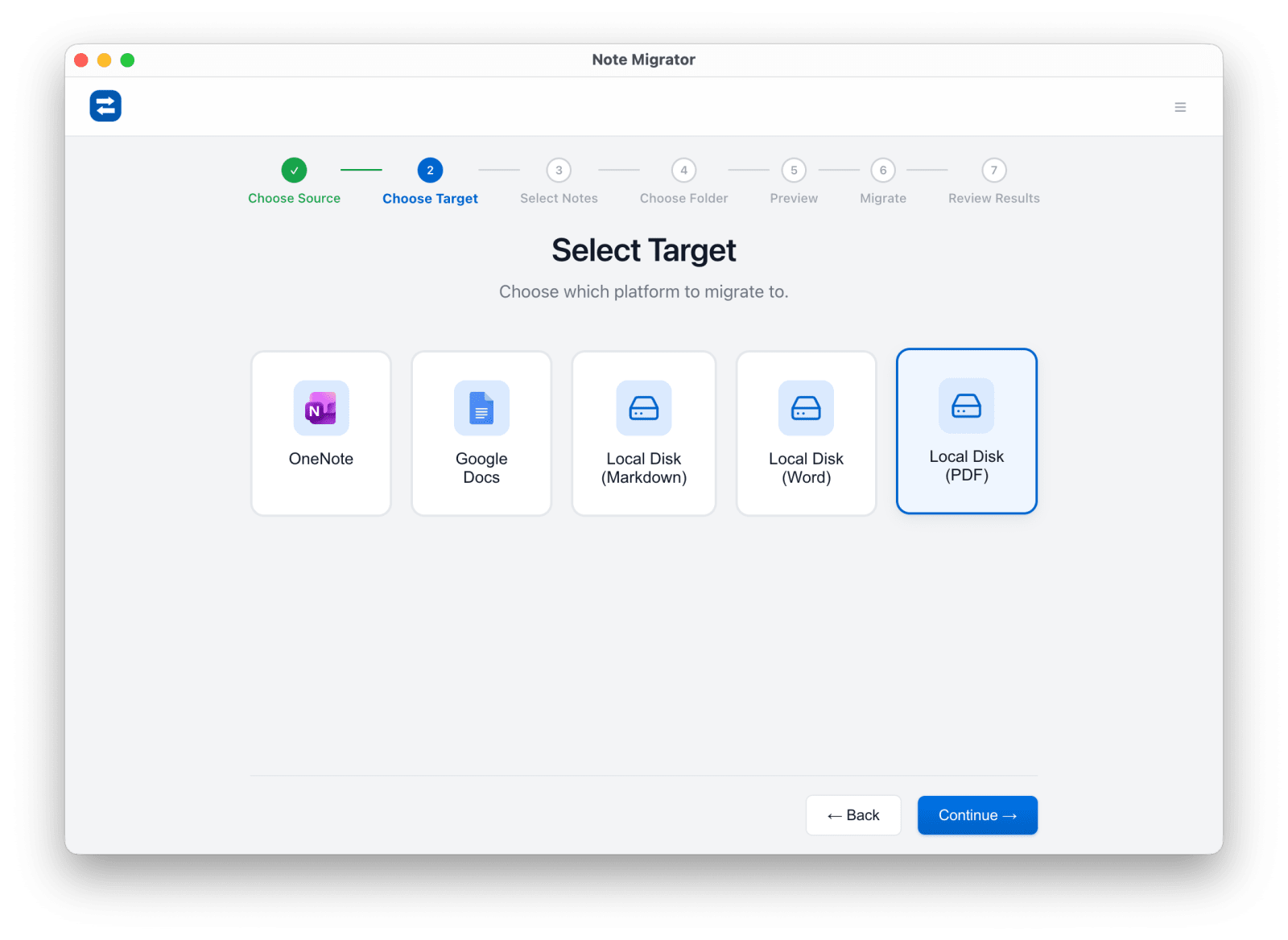
Select Local PDF Target
Choose Local PDF as your destination format.
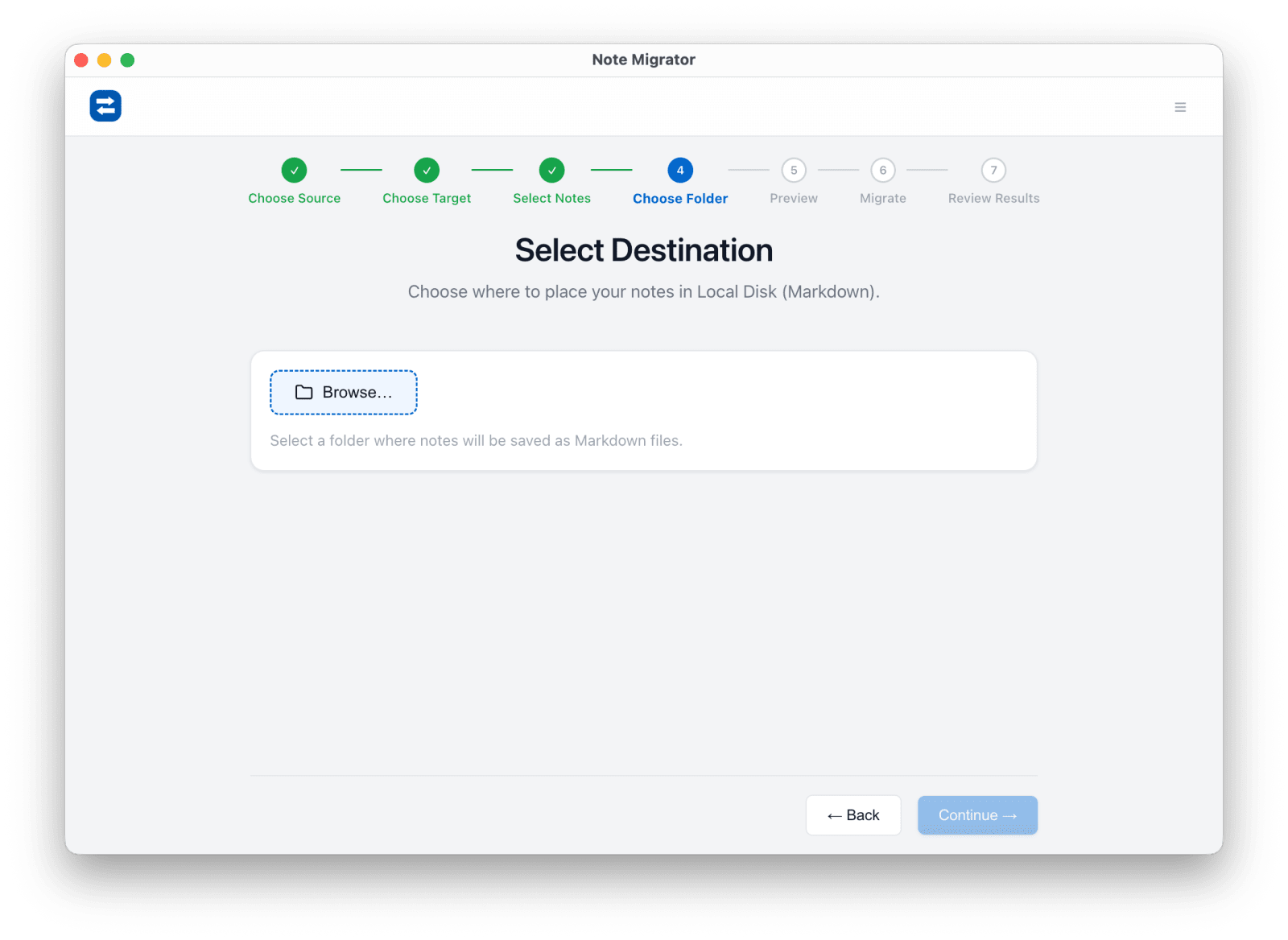
Pick notebooks and folder
Select the notebooks to export and choose the destination folder on your drive.
Review and start
Double check your selections before starting the local render process.
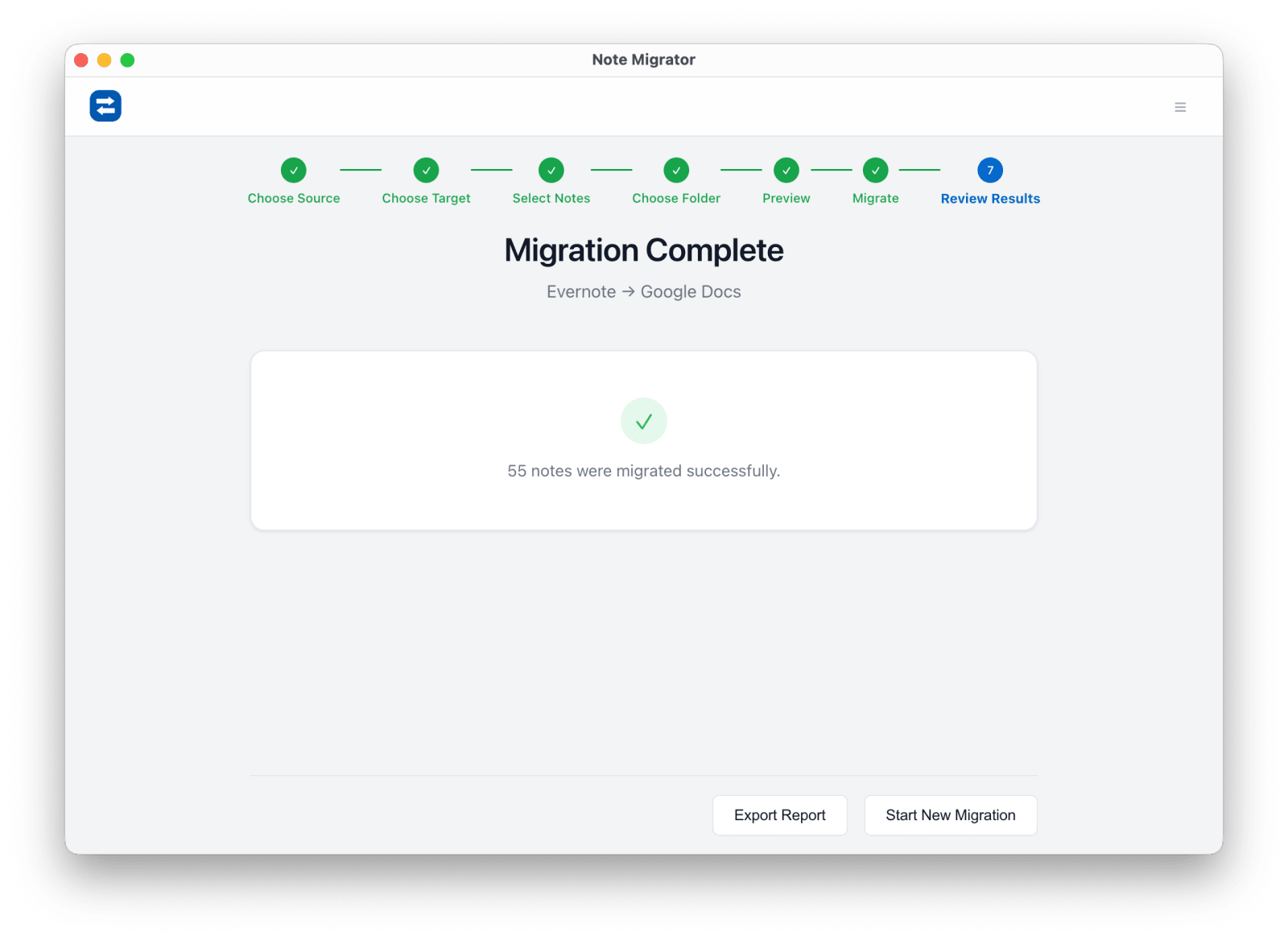
Open PDF folder
Open the folder on your hard drive to read your completed PDF documents.
Common Evernote to PDF questions
Can I edit the PDF files later?
PDF is primarily a read-only archive format. If you need to make changes, we recommend exporting to Markdown or DOCX.
Where are the files stored?
They are stored locally in the folder you selected on your computer's hard drive.
Does it preserve attachments?
Yes. Inline images are rendered visually inside the page, and other files remain attached or linked next to the page.
Evernote to PDF Export
Ready to run the workflow? Start from the download page, or read the matching long-form guide first if you want more edge cases and screenshots.